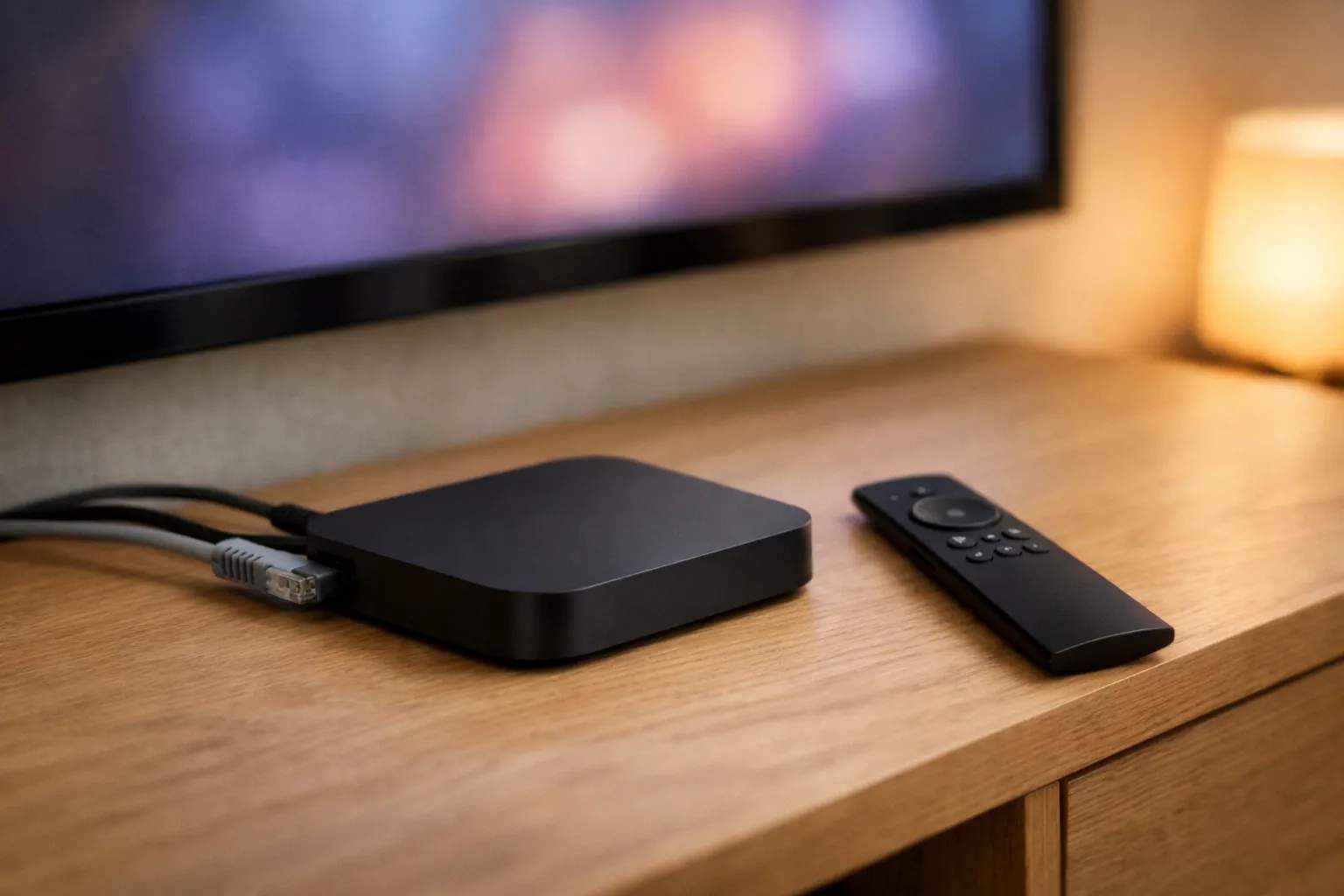
To get IPTV on Nvidia Shield, install a player from Google Play, then add the login your IPTV provider sent. The Shield runs Android TV, so TiviMate installs like any other app, with no sideloading. Choose its Xtream Codes option and enter the server URL, username and password. Both Shield models list Gigabit Ethernet and 4K HDR playback. The Pro adds USB ports, which matter mainly if you want to record.
We sell Vivimate, an IPTV subscription. We don't make the Shield or any player app, and we didn't run either one for this guide. The hardware facts come from NVIDIA's spec pages and user guide, and the app facts from TiviMate's Google Play listing, all read on November 7, 2026.
Why the Shield suits an IPTV login
Most of what makes a box pleasant for IPTV is plain: it needs the app you want, a steady connection and enough memory to scroll a large channel list. The Shield's spec pages cover each point.
- Google Play is built in. NVIDIA lists Android 11 with Android TV on both models, so players install from the store rather than from a downloaded file.
- A cable port on both models. NVIDIA lists Gigabit Ethernet as standard, and a wired box takes Wi-Fi out of the picture when you're chasing a stall.
- 4K HDR playback. NVIDIA lists 4K HDR at 60 FPS in H.265/HEVC, with Dolby Vision and HDR10. Whether a channel arrives in 4K depends on its source, not the box.
- Room to record. The Pro has two USB 3.0 ports for a drive, and the smaller model takes a microSD card.
Shield TV or Shield TV Pro for IPTV?
These figures come from NVIDIA's pages for the SHIELD TV and the SHIELD TV Pro. Neither page showed a price when we read it, so we don't quote one.
| Spec | Shield TV | Shield TV Pro |
|---|---|---|
| Memory (RAM) | 2 GB | 3 GB |
| Storage | 8 GB, add a microSD card | 16 GB, add USB drives |
| USB ports | None listed | Two USB 3.0 |
| Ethernet | Gigabit | Gigabit |
| Wi-Fi | 802.11ac, 2.4 and 5 GHz | 802.11ac, 2.4 and 5 GHz |
| AI-enhanced upscaling | Up to 4K at 30 FPS | Up to 4K at 60 FPS |
For live channels alone, the two list the same playback and the same network ports, so the specs give no reason to pay more. The Pro earns its place if you want to record to a USB drive or keep a lot of apps installed. NVIDIA notes that part of the storage is taken by system software on both.
Which Nvidia Shield IPTV app to use
Our device list pairs the Shield with TiviMate from Google Play, and that's the app the steps below use. Its Play listing names Armobsoft FZE as the developer, says it is designed for Android TV and remote control, and lists M3U, Xtream Codes and Stalker Portal logins. The app is free to install and comes with no channels.
The same listing shows in-app purchases of $0.99 to $33.99 per item. That's a range, not the TiviMate Premium price, which we don't quote. Our TiviMate review explains what the free app does and what TiviMate Premium adds, such as recording and multiview. If you'd rather use another player, IPTV apps for each device lists the Android TV options.
How to set up IPTV on a Shield
- Plug in the cable first. Connect the Shield to your router with an Ethernet cable if one reaches. NVIDIA lists Gigabit Ethernet on both models.
- Install TiviMate from Google Play. Open Google Play from the apps row, search for TiviMate and check that the developer is Armobsoft FZE before you install. There's no sideloading on a Shield.
- Get your login. Message us on WhatsApp for a free 24-hour trial with no card taken. The server URL, username and password arrive in that chat.
- Add the playlist. In TiviMate, add a playlist and choose Xtream Codes. Paste the three details exactly, including any port number at the end of the server URL.
- Let the guide finish. The channel list loads first and the TV guide after it. Wait for both, then play a live channel to check it works.
If TiviMate doesn't show up in Play on your Shield, how to install TiviMate gives the developer's other route. Install only from Play or the developer's own address, never a modified copy. Our Xtream Codes setup guide shows where each of the three details goes.
Settings worth a look on the Shield
Use the Ethernet port
A cable is the simplest upgrade, and the Shield has the port built in. If you can't run one, put the box on your router's 5 GHz band, which NVIDIA lists alongside 2.4 GHz. We suggest 10 Mbps for an HD stream, 20 Mbps for Full HD and 30 Mbps for 4K, per stream. A Shield on 4K plus a second TV on Full HD needs about 50 Mbps. Our page on the internet speed IPTV needs has a calculator for mixed homes.
AI upscaling
NVIDIA lists AI-enhanced upscaling up to 4K at 30 FPS on the Shield TV and up to 4K at 60 FPS on the Pro. It sharpens a lower-resolution picture, but it can't add detail the stream never had, and a 60 FPS channel is above the Shield TV's 30 FPS figure. Try it on a channel you know and keep it only if you like the result.
Recording to a drive
NVIDIA's USB storage guide says a drive needs no formatting and that the Shield reads FAT32, exFAT, NTFS and HFS+. In TiviMate, recording is part of TiviMate Premium. A recording uses a stream from your plan while it runs, just like a second TV, which our guide to recording IPTV explains along with how much space each hour takes.
Is the Shield the right IPTV box?
We haven't compared boxes by measurement, so we won't rank it. The spec sheet shows what you pay for: Google Play, a cable port, 4K HDR and, on the Pro, USB storage. Other Google TV boxes, such as Walmart's onn 4K Pro, also install TiviMate from Play. Our guide to choosing an IPTV box compares published specs. If channels stall once it's set up, start with why IPTV channels won't load.
Using Vivimate on a Shield
Vivimate sends an Xtream login that goes straight into TiviMate, and an M3U link is available from support if you prefer. Plans cost $19.99 for 1 month, $29.99 for 3 months, $39.99 for 6 months or $69.99 for 12 months plus 2 free, prepaid for one device, and plans run from 1 to 4 devices at once. Any TiviMate Premium fee is separate and goes to its developer.
The quickest way to judge it is the free 24-hour IPTV trial on your own Shield and your own line, before you pay anything. The other Android TV boxes are covered in IPTV on Android TV.
Frequently asked questions
What is the best IPTV app for Nvidia Shield?
We haven't measured players on a Shield, so we won't name a winner. TiviMate is the usual choice because its developer designed it for Android TV, which the Shield runs, and it installs from Google Play. Other Android TV players work too.
Is the Nvidia Shield good for IPTV?
On paper it suits IPTV well: NVIDIA lists Gigabit Ethernet, 4K HDR playback at 60 FPS and Android TV with Google Play on both models. We haven't tested one, so treat that as a spec reading, not a verdict.
Do I need the Shield TV Pro for IPTV?
Not to watch. Both models list the same 4K playback and Ethernet. The Pro adds 1 GB more memory, double the storage and two USB 3.0 ports, which matter if you plan to record to a USB drive.
Can I record IPTV on an Nvidia Shield?
Yes, with a player that records, such as TiviMate, where recording is part of TiviMate Premium. On the Pro, NVIDIA says a USB drive in FAT32, exFAT, NTFS or HFS+ works without formatting. A recording also uses a stream while it runs.
What internet speed does a Shield need for 4K IPTV?
We suggest 30 Mbps for each 4K stream, 20 Mbps for Full HD and 10 Mbps for HD. The box doesn't change that figure. Your line and the stream's source do.
Stream Everything with Vivimate
55,000+ live channels · Up to 4K UHD · No contract · From $19.99/month