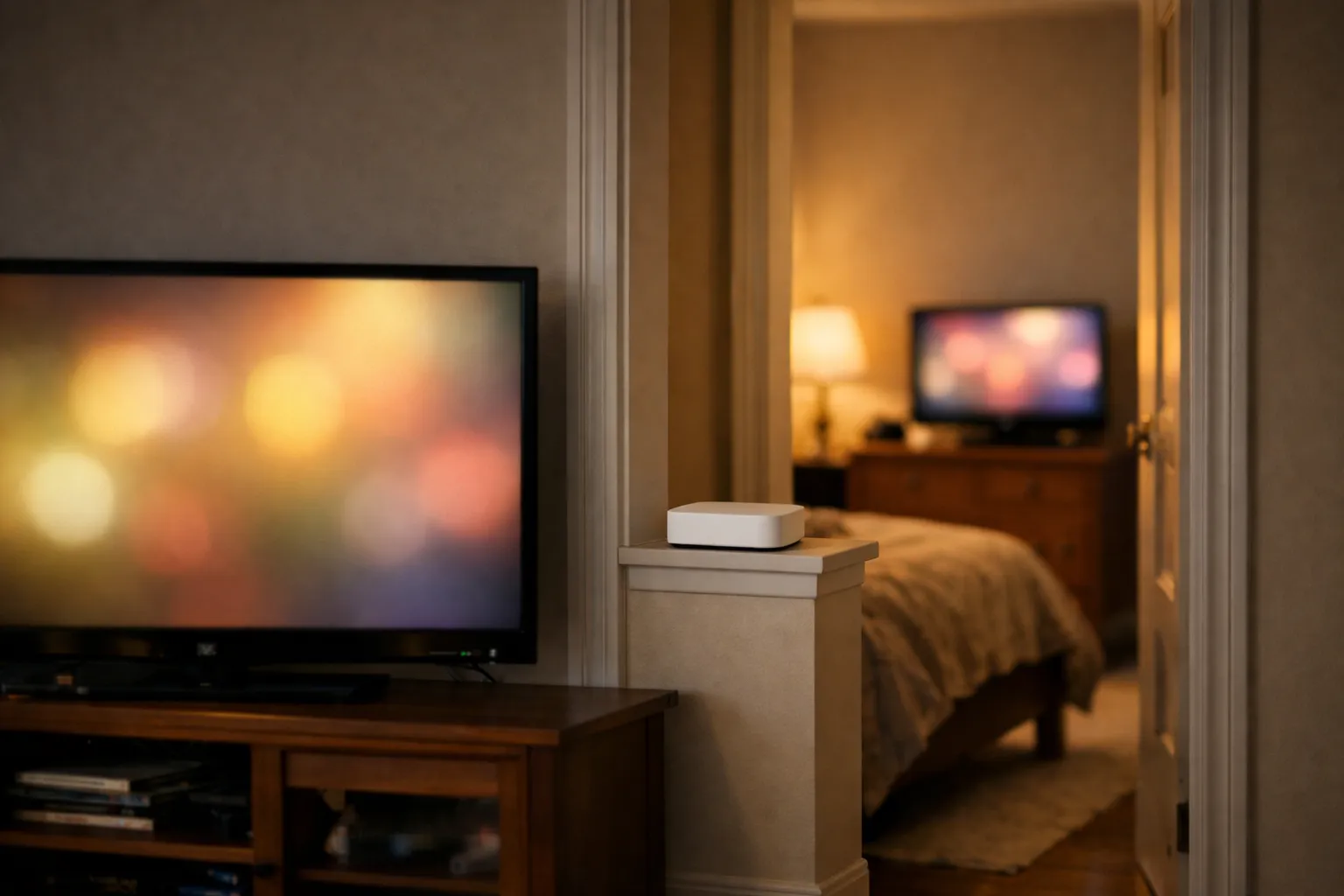
The best IPTV for 2 TVs is any service whose plan lets two streams play at the same moment, on a line that can carry both. You don't need two subscriptions. Install a player on each TV, put the same login in both, and make sure your internet gives about 40 Mbps for two Full HD streams or 60 Mbps for two 4K. Give the Ethernet cable to the TV that plays 4K or sits farthest from the router.
We sell Vivimate, an IPTV subscription with plans for 1 to 4 devices at once, so read this knowing we have a stake. We haven't measured two-TV setups in a home. The app pairings come from our device guides, the speeds are our per-stream guidance, and the prices come from our own plan list.
What “best for 2 TVs” comes down to
Three things decide whether two TVs work well together, and only the first one is about the service you buy:
- A plan for two devices at once. The login can sit on both TVs on any plan, but only a 2-device plan lets both play together.
- A player on each TV. The two TVs don't have to be the same brand or use the same app.
- A line and a network that carry two streams. This is where most two-TV homes run into trouble.
How a server counts the two streams, and what the errors look like when you go over, is covered in how IPTV multiple connections are counted. If you're not sure two is the right number for your home, how many devices you can use with IPTV helps you count. This page is about getting two TVs running.
Step 1: pick a player for each TV
Start with what each TV actually is. A living room with a Fire TV stick and a bedroom with a Samsung set need two different apps, and that's fine. Here's what our device guides use with a Vivimate login:
| TV and guide | Player | Login it takes |
|---|---|---|
| Fire TV stick or Fire TV IPTV on Firestick | TiviMate or IPTV Smarters | Server URL, username, password |
| Android TV or Google TV IPTV on Android TV | TiviMate from Google Play | Server URL, username, password |
| Samsung smart TV IPTV on Samsung TV | Smart IPTV | M3U link from support |
| LG smart TV IPTV on LG TV | IPTV Smarters Player or Smart IPTV | Xtream details or an M3U link |
| Apple TV IPTV on Apple TV | UHF or IPTVX | Server URL, username, password |
| Roku IPTV on Roku | A store app (ask us which) | Depends on the app |
If both TVs can run the same app, use it on both. You learn one menu, and you can copy the setup from one TV to the other. Apps cost nothing to install in most cases, though some charge for extra features or, like Smart IPTV, a one-time activation per TV.
Step 2: one login, typed into both
You get one set of details: a server URL, a username and a password, or an M3U link from support if one of your apps needs it. The same details go into the player on each TV. There's no second account and nothing to link between the two.
- Paste, don't retype. Copy the details from the WhatsApp message on your phone. A single wrong character on the second TV looks exactly like a dead account.
- Set up the second TV while the first is off. Then play a channel on each, and finally both together. That shows whether a fault is in one app or in the plan.
- Each app keeps its own guide and favorites. They don't sync between two TVs, so build the favorites list on each one.
- Watch the hidden extra streams. A recording or a multiview screen on one TV uses a stream of its own, so the other TV can be refused even though only two sets are on.
Step 3: make sure your network carries both
A plan for two devices gives permission to play two streams. Your internet line has to carry them. We suggest 10 Mbps per HD stream, 20 Mbps for Full HD and 30 Mbps for 4K, then add the two TVs together. Two HD TVs come to 20 Mbps, two Full HD TVs to 40 Mbps, one 4K and one Full HD to 50 Mbps, and two 4K TVs to 60 Mbps. Leave room for phones and laptops in the house as well.
Run a speed test on each TV, not on your phone next to the router. The number at the far end of the house is the one that counts. Our internet speed guide for IPTV explains how to test it.
Which TV gets the Ethernet cable?
Most homes can run a cable to one TV, not both. Give it to the TV where a stall would hurt most, and put the other on the router's 5 GHz Wi-Fi band, which is faster at short range than 2.4 GHz. Ask these questions in order:
A 4K stream needs the most room, so it benefits most from a cable. A TV two walls away from the router is the one most likely to drop. If neither applies, cable the TV that gets the evening game or the family movie. If the far TV still struggles on Wi-Fi, a mesh point or a powerline adapter near it may help more than a faster internet plan, because the weak link is inside the house.
What two TVs cost on Vivimate
For one device, plans cost $19.99 for 1 month, $29.99 for 3 months, $39.99 for 6 months or $69.99 for 12 months plus 2 free. A plan for two devices takes 20% off the per-device price, so it costs less than buying two single plans:
| Term | 2-device plan | Two 1-device plans |
|---|---|---|
| 1 Month | $31.98 | $39.98 |
| 3 Months | $47.98 | $59.98 |
| 6 Months | $63.98 | $79.98 |
| 12 Months + 2 free | $111.98 | $139.98 |
So one month for both TVs is $31.98 instead of $39.98, and the longest term is $111.98 for 14 months instead of $139.98. Every plan is prepaid with no auto-renewal, and both TVs get the same lineup. See Vivimate plans for 1 to 4 devices to order.
Test both TVs before you pay
Set up the free 24-hour IPTV trial on the TV that worries you most, usually the far one, at the hour you normally watch. Ask us on WhatsApp how many screens the trial covers when you request it. If a TV won't log in, our guide to the “failed to authorize” error goes through the causes one by one.
Frequently asked questions
Can I use one IPTV subscription on 2 TVs?
Yes, if the plan allows two streams at the same time. Put the same login in a player on each TV. On a plan for one device, both TVs can hold the login, but only one can play at a time.
Do I need two IPTV subscriptions for two TVs?
No. One plan for two devices covers both TVs and costs less than two single plans on Vivimate. It also keeps one login, one WhatsApp chat and one end date to remember.
What internet speed do I need for IPTV on two TVs?
Add up the streams: we suggest 10 Mbps for HD, 20 Mbps for Full HD and 30 Mbps for 4K each. Two Full HD TVs need about 40 Mbps, two 4K TVs about 60 Mbps, and one of each about 50 Mbps.
Can the two TVs use different apps?
Yes. The login doesn't care which player it's in. A Fire TV stick in the living room can run TiviMate while a Samsung TV in the bedroom runs Smart IPTV. Favorites and settings don't carry over between apps.
Can I give my second connection to someone in another house?
No. A plan covers screens in your own household. Our acceptable use policy bars sharing a login outside it, and our terms say account sharing results in an automatic ban without a refund.
Stream Everything with Vivimate
55,000+ live channels · Up to 4K UHD · No contract · From $19.99/month