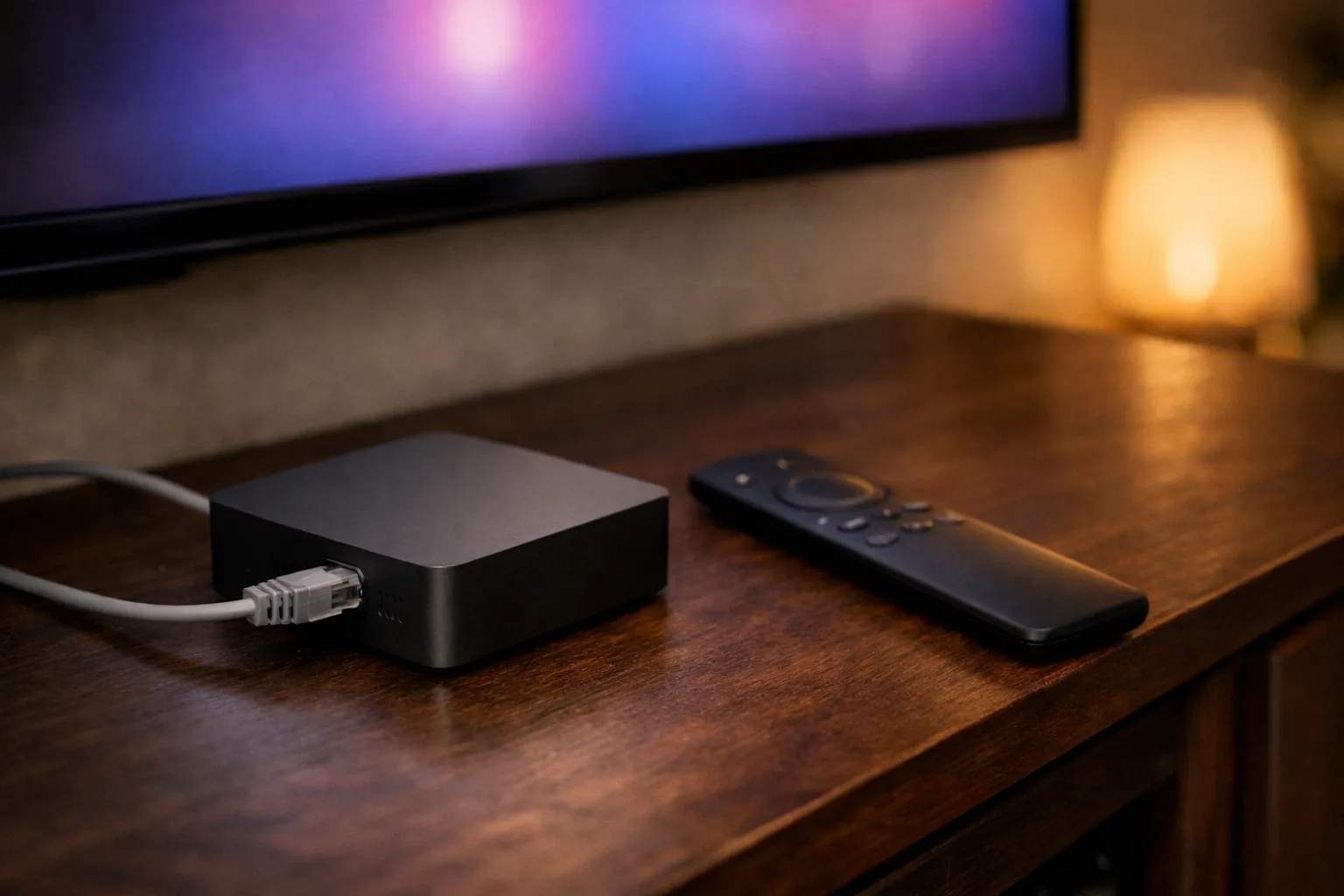
TiviMate on the onn 4K Pro installs straight from Google Play, because Walmart's box runs Google TV. Open Google Play, search for TiviMate IPTV Player, check the developer is Armobsoft FZE and install it. Then choose Xtream Codes, enter the server URL, username and password from your IPTV provider, and wait for the guide to load. You don't need Downloader or a sideload, and the app brings no channels of its own.
We sell Vivimate, an IPTV subscription. We don't sell the onn 4K Pro, we didn't make TiviMate, and Walmart doesn't pay us. The app facts below come from Google Play and Google's developer pages, read on November 7, 2026. Walmart's listing and onn's support site refused our requests that day, so the few hardware notes here come from hands-on reviews, named where they appear. We haven't run TiviMate on this box ourselves.
Why TiviMate is easy on the onn 4K Pro
The onn 4K Pro is a Google TV box, and that one fact settles most of the setup. TiviMate's Google Play listing describes an app designed for Android TV and remote control navigation, and Google's developer documentation says all apps built for Android TV work on devices running Google TV. So the onn TiviMate route is the ordinary one: the Play Store, a search and an Install button. Compare that with the other devices people ask us about.
The listing names M3U, Xtream Codes and Stalker Portal as the playlist formats it takes. That covers the login Vivimate sends. If you came here from a Fire TV, our TiviMate install guide for every device has the Downloader route, which you won't need on this box.
How to install TiviMate on the onn 4K Pro
Here is how to install TiviMate on onn 4K Pro, from the home screen to live channels. Menu names can shift a little with Google TV updates, but the order stays the same.
- Open Google Play on the box. It sits in the Apps row of the Google TV home screen. Sign in with a Google account if the box asks.
- Search for TiviMate IPTV Player. Check that the developer line says Armobsoft FZE before you press Install. Apps with similar names come from other people.
- Open TiviMate and add a playlist. On first launch it asks for a playlist. Pick the Xtream Codes option, because a Vivimate login is a server URL, username and password.
- Enter the three details. Paste or type them exactly as they arrived in WhatsApp, including http:// and any port number at the end of the server URL.
- Let the channels and guide load. The channel list comes first and the TV guide can take a few minutes more. Then play one live channel to check it works.
One warning matters more than any menu. Sites that offer TiviMate as an APK, especially “unlocked” versions, aren't the developer, and an app like this holds your login. On a box with Google Play there is no reason to go anywhere else. Our walkthrough of using a Vivimate login in TiviMate shows each field of the Xtream screen.
TiviMate Premium on this box
TiviMate works without paying, with live channels and a TV guide. The extras are TiviMate Premium, bought inside the app through Google Play. The listing shows in-app purchases from $0.99 to $33.99 per item without saying which feature costs what, so we don't quote a TiviMate Premium price. Our TiviMate review lists recording, catch-up and more than one playlist among those extras. You don't need the separate Companion app here, since that exists for devices without Google Play.
Ethernet or Wi-Fi on the onn 4K Pro?
Both versions of the box have a wired port, according to reviewers. AFTVnews's May 2024 launch report lists a built-in 10/100 Ethernet port on the first model, and Lon.TV's May 2026 review of the newer version lists a 100 Mbps jack. Lon.TV also measured about 500 Mbps over Wi-Fi in its own test, faster than the cable can go. We couldn't check either figure against Walmart's own page.
For IPTV, raw speed isn't the issue. We suggest 10 Mbps per stream for HD, 20 Mbps for Full HD and 30 Mbps for 4K, and a 100 Mbps port clears all three. What a cable removes is Wi-Fi interference from walls and neighbors, which is a common cause of stalling at busy hours. Try the cable first if the box sits near the router, and test Wi-Fi at the time you usually watch if it doesn't. Our page on the internet speed IPTV needs explains how to test your line.
When TiviMate on the onn 4K Pro won't work
| What you see | What to check |
|---|---|
| TiviMate isn't in Google Play | Search the full name, TiviMate IPTV Player. Update the box under its system settings, restart it and search again. |
| The login is refused | Paste the details again, keeping http:// and the port. Our guide to a login that fails to authorize covers causes that apply in TiviMate too. |
| Channels appear, the guide is empty | Give it a few minutes, then update the guide from TiviMate's settings. The guide loads after the channel list. |
| Video stalls at night | Switch between cable and Wi-Fi and compare. Check nothing else on the network is downloading. |
Still stuck? Vivimate customers can message us on WhatsApp with the app, the box and what the screen says. A person replies 24/7.
Adding Vivimate to TiviMate on the onn 4K Pro
For onn 4K Pro IPTV you need two things: the app, and a subscription to put in it. Vivimate sends an Xtream login on WhatsApp, usually within minutes, and support can also give you an M3U link if you prefer one. Plans include 55,000+ live channels, up to 4K UHD where the channel broadcasts it, and 7-day catch-up on channels that support it. Plans cost $19.99 for 1 month, $29.99 for 3 months, $39.99 for 6 months or $69.99 for 12 months plus 2 free, prepaid for one device, with no contract and no auto-renewal. Anything you pay for TiviMate Premium goes to its developer, not to us.
We haven't checked Vivimate on this box ourselves, which is the reason to start with the free 24-hour trial, with no card taken. It shows how the box, the app and your connection work together before you pay. Then compare Vivimate plans and prices, or read IPTV on Android TV and Google TV for other players that run on the same system.
Frequently asked questions
Can you put TiviMate on an onn 4K Pro?
Yes. The onn 4K Pro runs Google TV, which has Google Play, and TiviMate IPTV Player by Armobsoft FZE is listed there as an app designed for Android TV. Google says all apps built for Android TV work on devices running Google TV.
Do I need Downloader to install TiviMate on the onn 4K Pro?
No. Downloader and its codes are for Fire TV sticks, which have no Google Play. On the onn 4K Pro you install TiviMate from Google Play like any other app, and you should avoid copies from other websites.
Is the onn 4K Pro good for IPTV?
We haven't tested it, so we won't rate it. What suits IPTV on paper is Google Play access and a wired port, which hands-on reviews report on both versions. A free trial on your own box tells you more than a rating would.
Does the onn 4K Pro come with IPTV channels?
No. The box and the TiviMate app both arrive empty. Channels come from an IPTV subscription, which you add to the app as a login. We sell one, Vivimate, and we aren't connected with Walmart or with TiviMate's developer.
Do I need TiviMate Premium on the onn 4K Pro?
Not to watch. The free app plays live channels with a TV guide. Our TiviMate review lists recording, catch-up and more than one playlist as TiviMate Premium extras. It is bought inside the app through Google Play, and we don't quote a price.
Stream Everything with Vivimate
55,000+ live channels · Up to 4K UHD · No contract · From $19.99/month