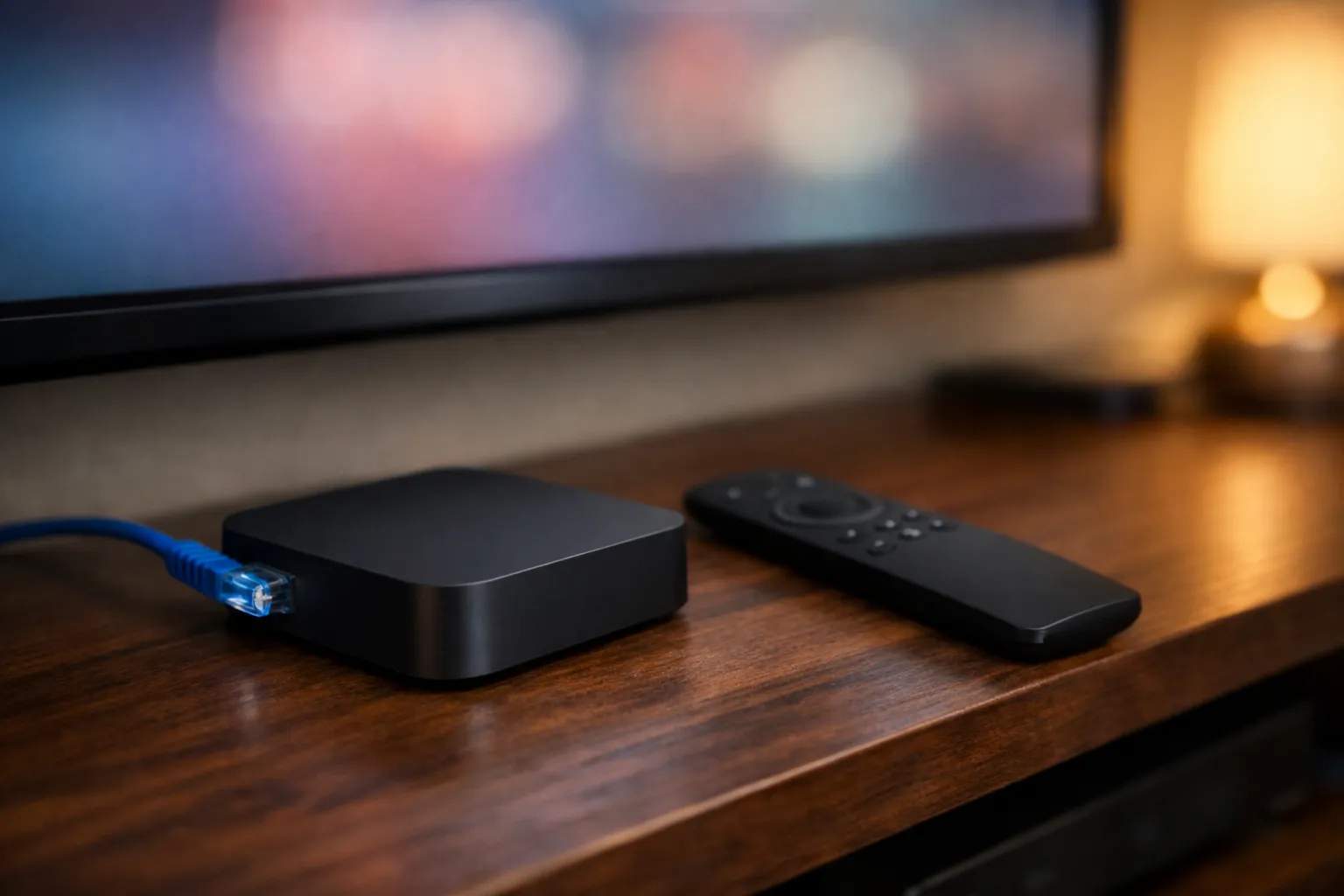
To get IPTV on Android TV, install a player from Google Play and enter the login your provider sent you. The player brings no channels of its own. With a server URL, username and password, TiviMate and XCIPTV PLAYER both name Xtream in their listings, and Android TV apps also run on Google TV. Buying a box? Choose a Play Protect certified one, because the FBI has warned about uncertified streaming devices.
We sell Vivimate, an IPTV subscription, and we make neither these apps nor any box. The facts below come from Google Play listings, makers' spec pages and an FBI notice, all read on November 7, 2026. We didn't test any of this hardware or software for this guide, so we don't rank it.
Which IPTV player for Android TV takes your login?
The right player depends on what your provider sent. Vivimate sends an Xtream login, which is a server URL, a username and a password. Here's what each listing says it accepts:
| App and developer | Login named in its listing | Last updated | Vivimate login? |
|---|---|---|---|
| TiviMate Armobsoft FZE | M3U, Xtream Codes, Stalker Portal | Jun 22, 2026 | Yes, names Xtream |
| XCIPTV PLAYER OTTRUN | Xtream Codes compatible API, M3U | Aug 12, 2026 | Yes, names Xtream |
| Televizo Andrey Menscikov | Your own playlist; Xtream not named | Oct 18, 2026 | Ask us for an M3U link |
| VLC for Android Videolabs | Network streams; no IPTV login named | Oct 14, 2026 | Not for everyday IPTV |
TiviMate is the natural first try on a TV, since Armobsoft FZE says it is designed for Android TV and remote control navigation. It also says the app isn't optimized for touch devices, so don't judge it on a phone. Google Play shows in-app purchases of $0.99 to $33.99 per item, and those go to the developer. Our TiviMate review goes further.
XCIPTV PLAYER describes itself as built for Android TV, phones and tablets, and its listing says it contains ads. Search results for IPTV Smarters are less clear. A Google Play search returned several Smarters-named apps from different developers, while the IPTV Smarters download page offers its Android TV version as a direct download. Read the developer line, and stay away from any modified or “unlocked” copy of any player.
All of this holds for Google TV as well. Google's documentation says all apps built for Android TV work on devices running Google TV.
How to set up IPTV on an Android TV box or TV
- Get a login. Message us on WhatsApp for a free 24-hour trial, with no card taken. The details usually arrive within minutes.
- Install the player. Open the Play Store on the TV itself, search for the app and match the developer against the table above.
- Add a playlist. TiviMate calls this format Xtream Codes; other apps may word it differently. Our Xtream Codes setup guide explains each field.
- Enter the three details. Copy them exactly, including any port number on the end of the server URL.
- Let the guide fill. Channels come first and the TV guide can take longer. Then play a live channel to check it works.
What to look for in Android TV boxes for IPTV
Your TV may already run Android TV or Google TV, in which case you don't need a box. Look for the Play Store on its home screen first. If you do need one, safety comes ahead of specs.
In June 2025 the FBI warned that TV streaming devices and other home gadgets were being pulled into a botnet called BADBOX 2.0, with malware that can arrive preinstalled or during setup. It lists Android devices that aren't Play Protect certified as a warning sign, and it advises against apps from third-party marketplaces advertising free streaming. Google adds that uncertified devices may not be secure and may not receive updates, and it keeps a list you can check.
So be wary of any box sold on the promise of free or preloaded channels. Then look at the connection, because a wired link rules out one common cause of stalling. We suggest 10 Mbps for HD, 20 Mbps for Full HD and 30 Mbps for 4K, and our speed guide shows how to check yours.
Is there a best Android TV box for IPTV?
We can't give you a measured winner. What we can do is give you published specs for two boxes that run Android TV and have a wired port:
- Google TV Streamer (4K). Google lists Ethernet at 10/100/1000 Mbps, HDMI 2.1, 4 GB of memory and 32 GB of storage.
- NVIDIA SHIELD TV. NVIDIA lists Gigabit Ethernet, HDMI 2.0b and Android 11. See our Nvidia Shield IPTV guide for more on that device.
Both makers publish these details openly, which is more than some no-name boxes do. Confirm the current specs and price before you buy.
If it doesn't work
- The app isn't in the Play Store. Your device may not be certified. Check it against Google's list before you try anything else.
- The login fails. Most failures are typing errors, so enter the details again and confirm your trial is still active. Then see what to do when the server is unavailable.
- The guide is blank. Refresh it in the player and allow a few minutes, because a long channel list takes time to match.
- Still stuck? Message us on WhatsApp with the box model and the error. A person replies 24/7.
Using Vivimate on Android TV
Any player that takes an Xtream login can use your Vivimate account, and you can have 1 to 4 devices at once. Plans cost $19.99 for 1 month, $29.99 for 3 months, $39.99 for 6 months or $69.99 for 12 months plus 2 free, prepaid for one device, with no contract and no auto-renewal. Start with the free 24-hour IPTV trial on your own TV before you buy a plan or a box. For Amazon's sticks, see IPTV on a Firestick. On the law, read whether IPTV is legal.
Frequently asked questions
What is the best IPTV player for Android TV?
We haven't measured them, so we won't name a winner. TiviMate and XCIPTV PLAYER both name Xtream in their Google Play listings. Try one on your own TV during a free trial and keep the one you like using.
Is TiviMate free on Android TV?
It is free to install, and the listing shows in-app purchases of $0.99 to $33.99 per item. Google Play doesn't tell us which of those is the current TiviMate Premium price, so check inside the app before paying.
Does IPTV on Google TV work the same way?
For the apps here, yes. Google's developer documentation says all apps built for Android TV work on devices running Google TV, so the players and steps on this page apply to both.
Is a Fire TV Stick an Android TV box?
No, Amazon's sticks have their own store and setup route, so we cover them separately in our Firestick guide. If you're choosing a device from scratch, compare both before you buy.
Is IPTV on an Android TV box legal?
IPTV as a technology is legal, and so is owning a box. Whether a seller is lawful depends on the rights it holds. We don't publish the rights agreements behind our channels, and our guide to IPTV and the law goes further.
Stream Everything with Vivimate
55,000+ live channels · Up to 4K UHD · No contract · From $19.99/month