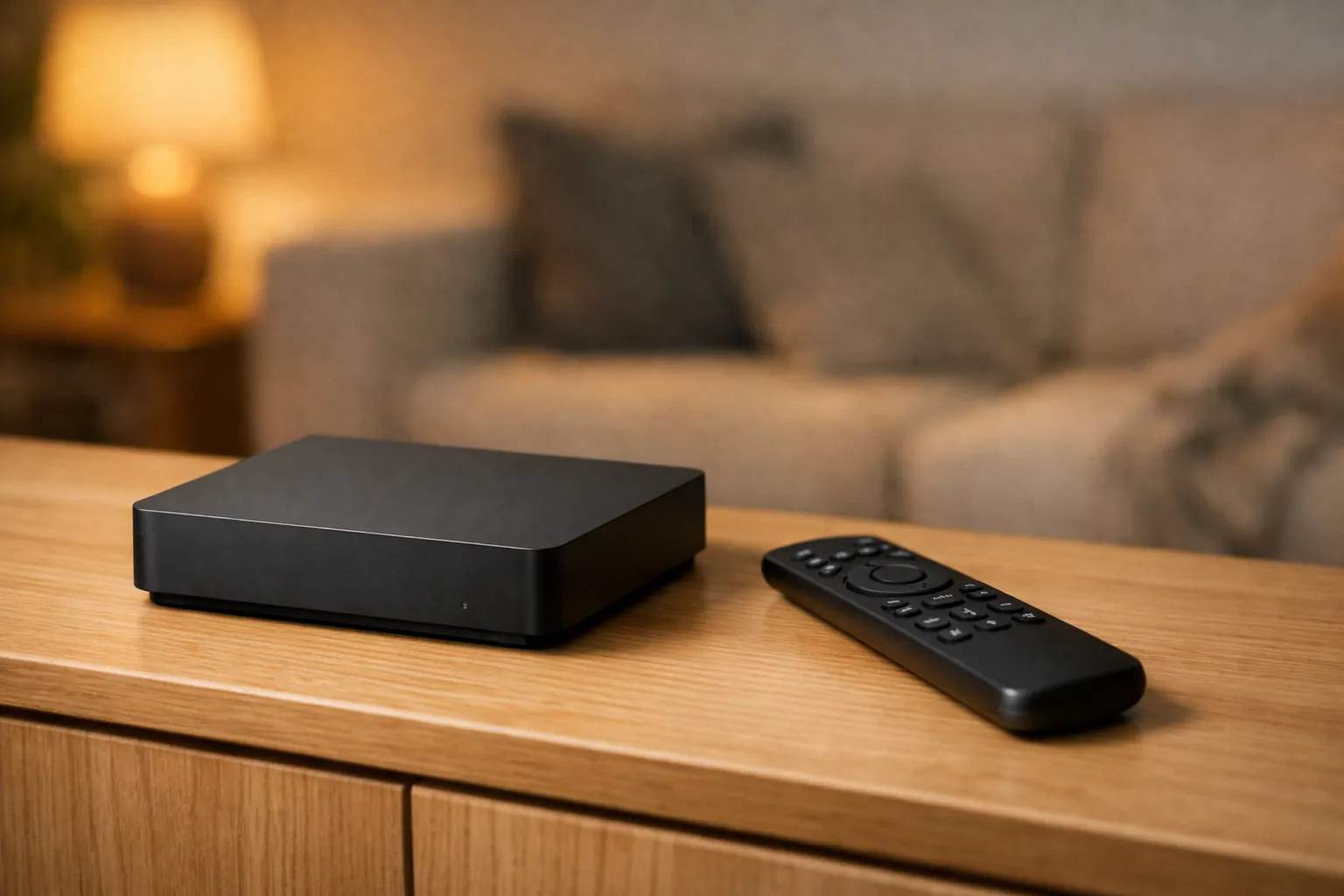
This DStv Explora guide in short: the Explora is DStv's recording satellite decoder. DStv lists up to 110 hours of recording on the Explora 2A, 3A, 3B and Ultra, plus pausing live TV for up to 2 hours, Catch Up and an 8-day TV Guide. The Explora Ultra adds built-in WiFi and streaming apps. DStv recommends an 80cm dish with a DStv Smart LNB, fitted by an accredited installer. Full use needs a monthly Access Fee.
We sell Vivimate, a general IPTV subscription that doesn't carry DStv or SuperSport, and we don't own an Explora. Every model name, step and button below comes from DStv's own help pages, news articles and quick guide, read on November 8, 2026and linked. Some of DStv's guides are years old, so we give their dates; your decoder's menus may differ.
The Explora models DStv lists today
DStv's comparison of the Explora Ultra with the Explora 2A and 3A and its FAQ on the Explora Model 3B describe three current families. The 3B, DStv says, replaced the 3A early in 2021, is made in South Africa and adds no new features. The Explora Ultra keeps the recording features and adds streaming apps and built-in WiFi; DStv's list of what's different adds 4K streaming, HDR, Dolby Atmos (where available) and a new remote.
| Model | Remote in the box | Recording | What DStv says |
|---|---|---|---|
| DStv Explora Ultra | A9 (universal) | Up to 110 hours | Built-in WiFi and streaming apps; 4K streaming in selected apps |
| DStv Explora Model 3B | A8 | Up to 110 hours | Replaced the 3A early in 2021; made in South Africa; no new features |
| DStv Explora Model 2A / 3A | A7 | Up to 110 hours | Internet through a DStv WiFi Connector or an Ethernet cable |
DStv notes that total recording space varies with the mix of HD and SD recordings. Its 2014 quick guide for the original Explora promised up to 220 hours on that older box. Remotes are interchangeable: DStv says any remote shipped with an Explora works with all Explora models, and our DStv remote guide covers the buttons.
What an Explora does without the internet
DStv's FAQ on whether the Ultra needs the internet says no: it's a satellite decoder with extra online features, and without a connection it's equivalent to the other Exploras. The comparison FAQ lists what every Explora does offline:
- Pause live TV for up to 2 hours.
- Catch Up and BoxOffice, delivered by satellite.
- An 8-day TV Guide and Parental Control.
- Interactive apps such as SuperSport, News24 and Weather.
How to record on a DStv Explora
The steps come from DStv's Explora quick guide, a PDF created in November 2014 for the original Explora. DStv still hosts it; newer models may label things differently.
- Press OK on any programme to see the recording options. For a series you can record one episode or the whole season.
- Find it under Planner, then Schedules. The scheduled recording is listed there and you can edit or delete it.
- Watch it from your Playlist in Watch Now once it has recorded. A recording that failed appears under Failed Recordings in Schedules.
- For a regular slot without series recording, use Create Manual Recordings in Planner, set once, daily, weekly or on weekdays.
The guide recommends switching on Auto Delete, which clears old recordings when space runs out: press the blue DStv button, go to Settings, then User Preferences, then Recordings, set Auto Delete to On and press BACK to save. Recordings stay on the box: DStv's FAQs say content can't be moved to a USB drive or moved from an old Explora to the Ultra.
Connecting an Explora to the internet
DStv's connection guide dated 7 July 2021 gives the cabled route first, calling it the most stable option:
- With your router on and online, plug an Ethernet cable into the green Ethernet port on the back of the Explora and into your router.
- Press HELP on the remote, select Tools, then Connectivity Checker, and press OK. Both router and internet should show green check marks.
- Press the blue DStv button, go to Settings, User Preferences, then Connected Services, and switch on the services you want. DStv says they are Off by default.
If the router is in another room, the Explora 2A, 3A and 3B use a DStv WiFi Connector plugged into a USB port; the Ultra has WiFi built in. DStv's internet FAQ for the Ultra recommends an uncapped connection and sets these minimums, which match the 2021 guide:
That's 2 Mbps for SD downloads, 4 Mbps for SD streaming and 10 Mbps for HD streaming. DStv warns that data charges apply while the decoder is online.
Explora Ultra apps, 4K and Disney+
DStv's Explora Ultra apps FAQ lists the DStv app, Netflix, Prime Video, SuperSport, News24 and People's Weather, with Netflix and Prime Video needing their own subscriptions. It also lists Disney+, but DStv's package article dated 8 September 2026 says "Disney+ is no longer available on the Streama and Explora boxes", so we go with the newer page. On picture quality, DStv's 4K FAQ says the Ultra supports 4K streaming in selected third-party apps, but "MultiChoice does not yet offer 4K streaming".
Installation, XtraView and the Access Fee
DStv's recommended installation for an Explora is an 80cm satellite dish with a DStv Smart LNB. If the decoder feeds several TVs, joins other decoders in XtraView, or you live in a complex without your own dish, DStv says to talk to an accredited installer. The installer supplies the cabling for a standard single-point installation; extra work may cost more, so ask for the figure first. Our DStv installation guide has the rest, and if you'd rather have no dish at all, see watching DStv without a dish.
An Explora can join one or two other decoders in XtraView, and DStv charges a second monthly Access Fee when three are linked. Full use of the Explora itself needs a monthly Access Fee; DStv's 2026 package article says the R799 DStv Premium price on a 24-month contract includes it. You don't need a new decoder for the packages that started on 17 September 2026. Package prices are on our DStv packages and prices page, and our guide to how DStv works covers decoder versus DStv Stream. We quote no Explora price: DStv's FAQ figures are undated and another DStv page differs.
Where Vivimate fits
Vivimate isn't a way to watch DStv and doesn't replace an Explora. It's a separate IPTV subscription with 55,000+live channels of its own, and it carries no DStv or SuperSport channels. If you're in the US and want TV for other viewing, the free 24-hour IPTV trial shows the list first. Plans cost $19.99 for 1 month, $29.99 for 3 months, $39.99 for 6 months or $69.99 for 12 months plus 2 free, prepaid for one device, with no contract, and a first purchase has a 7-day money-back guarantee when a service problem you report on WhatsApp can't be fixed.
What we read, and what we couldn't
- DStv help, Explora: recommended installation, cables, XtraView. Read November 8, 2026.
- DStv help, Explora Ultra: what it is, comparison with 2A/3A, internet, 4K, apps. Read November 8, 2026.
- DStv help: What is the DStv Explora Model 3B? Read November 8, 2026.
- DStv news: How to connect your DStv Explora to the internet, dated 7 July 2021, and New DStv Packages, dated 8 September 2026. Read November 8, 2026.
- DStv PDF: DStv Explora Quick Guide, created November 2014. Read November 8, 2026.
- Couldn't read: DStv's online store (only its title loaded), DStv's regional eazy.dstv.com FAQs (the site didn't resolve), and whether Remote Recording is still offered today.
Frequently asked questions
How many hours can a DStv Explora record?
DStv's comparison FAQ lists up to 110 hours for the Explora 2A, 3A and Explora Ultra, and its FAQ on the Model 3B gives the same figure. DStv notes the total varies with the mix of HD and SD recordings. Its 2014 quick guide for the original Explora said up to 220 hours.
Does the DStv Explora need the internet?
No. DStv says the Explora Ultra is a satellite decoder with online extras, and without internet it is equivalent to its other Explora models. You still get Pause Live TV, Catch Up, BoxOffice, the 8-day TV Guide and Parental Control. Streaming apps need a connection.
What internet speed does a DStv Explora need?
DStv recommends at least 2 Mbps for SD downloads, 4 Mbps for SD streaming and 10 Mbps for HD streaming, on an uncapped connection. For 4K streaming in third-party apps it tells you to check each app's own requirements. Data charges apply when the Explora is online.
Do I need a new Explora for the new DStv packages?
No. DStv's article on the packages that started on 17 September 2026 answers "Do I need a new decoder?" with "No, you don't need a new decoder." The same article says Disney+ is no longer available on the Streama and Explora boxes.
Can I copy Explora recordings to a USB drive or a new Explora?
No. DStv's FAQs say you can't move content to a USB drive or play content from one, because of its licence agreements with content suppliers, and you can't move content from an old Explora to the Explora Ultra.
Stream Everything with Vivimate
55,000+ live channels · Up to 4K UHD · No contract · From $19.99/month