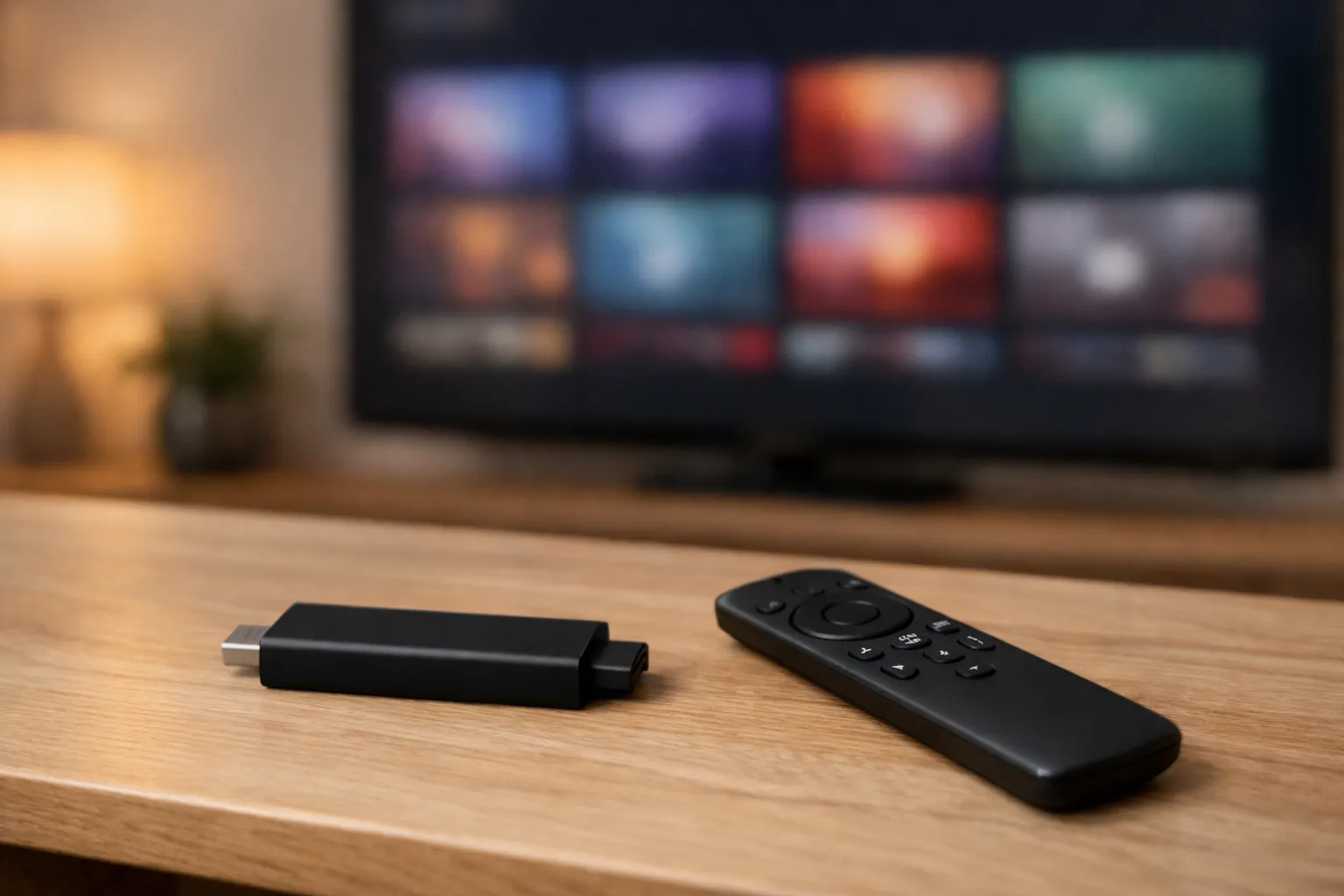
IPTV vs Firestick apps comes down to where the channels come from. Fire TV shows live TV from apps you install from Amazon's Appstore: Pluto TV and Tubi are free with ads, while Sling TV's packages and YouTube TV are paid, YouTube TV at $82.99 a month on November 9, 2026. An IPTV login instead runs in a player app on Fire OS models. Vivimate, which we sell, costs from $19.99 a month with a free trial.
This page rests on Amazon's own help pages and Appstore listings, and on each service's own site, all read on November 9, 2026. We didn't test any of these apps on a Fire TV, and we name no winner: they do different jobs, and many people keep several.
How live TV works on a Fire TV
Amazon's help page on watching live TV on Fire TV, read November 9, 2026, describes one system that every live app plugs into. You download apps that offer live TV from the Appstore, and some of them need a paid subscription. Then you browse what's on in three places: the Now row on the home screen, the Guide button on the remote, and the Livesection of the home screen. While a channel plays, the Menu button lets you add it to your favorites or hide channels you don't want.
A Fire TV smart TV can also take an antenna. Amazon's page on connecting a live TV source says to plug it into the TV's cable input and run Settings, Live TV, Channel Scan. A Fire TV Stick has no antenna input, so on a stick, live TV comes from apps.
The Appstore's live-TV apps, from their own listings
Every app below is free to download. What it costs to watch, and what it carries, is in the table, taken from each Appstore listing or the service's own site on November 9, 2026.
| App (source) | Cost to watch | What its own page says |
|---|---|---|
| Pluto TV | Free, with ads | Free live channels and on-demand titles; no subscription or card |
| Tubi | Free, with ads | Live news, weather, sports and entertainment channels, plus on demand |
| Prime Video | Free-with-ads titles; more with Prime | Included-with-Prime titles, rentals, add-on subscriptions and pay-per-view |
| Philo | $25 a month, 7-day trial | Live channels with unlimited DVR, per philo.com |
| Sling TV | Paid packages; a free tier, Sling Free | 50 hours of DVR included, upgrade to 200; price not readable to us |
| YouTube TV | $82.99 a month, 21 days for $0 | 85+ networks, unlimited cloud DVR, 6 accounts per household |
A few details from those pages are worth knowing before you choose. YouTube TV's listing says it doesn't run on the first-generation Fire TV or Fire TV Stick, renews month to month until you cancel, and excludes some games from its NFL Sunday Ticket add-on; our IPTV vs YouTube TV comparison goes through its plans. Sling's own site refused our fetcher, so we give no Sling price; see IPTV vs Sling TV for that. Philo's site listed $25 a month with a 7-day trial.
Prime Video and the end of Freevee as a name
Prime Video is the app Amazon puts on every Fire TV, and it mixes several kinds of content. Amazon's help page on what you can watch on Prime Video lists titles included with Prime, titles to rent or buy, add-on subscriptions billed on top, and pay-per-view events. Another Amazon page says you don't need a Prime membership to use Prime Video for rentals, purchases and pay-per-view.
Freevee, Amazon's free ad-supported service, now shows up in Amazon's store as a category inside Prime Video, with titles carrying a “Free with ads” button. Amazon's older Freevee page still describes a separate app. We couldn't find an Amazon statement explaining the change, so we don't date it; on your Fire TV, look for the Free with ads label in Prime Video.
What an IPTV login does differently
An IPTV service doesn't arrive as an Appstore app. You get a login, and you enter it in a player app. Vivimate sends an Xtream login (a server URL, username and password) on WhatsApp, usually within minutes, and support can give an M3U link or MAG and Enigma2 details if your player needs them. For Fire TV, our device advice is TiviMate or IPTV Smarters.
- Check your model first. Fire TV models on Fire OS can sideload a player. Newer models on Vega OS can't, and no setting changes that. Our guide to IPTV on Firestick shows how to tell which you have.
- Install the player. The TiviMate install guide covers Downloader and code 272483 step by step.
- Use the player's guide. You browse the provider's channels inside the player. We haven't confirmed whether any IPTV player feeds Fire TV's Live tab, so plan on opening the player itself.
- Check your speed. Allow about 10 Mbps for HD, 20 for Full HD and 30 for 4K, per stream; our IPTV speed guide explains why.
Vivimate plans cost $19.99 for 1 month, $29.99 for 3 months, $39.99 for 6 months or $69.99 for 12 months plus 2 free, for one device, with 1 to 4 devices at once depending on the plan. They include 55,000+ live channels, 180,000+ movies and series, up to 4K UHD where a channel broadcasts it, and 7-day catch-up on supported channels. There's no contract and no auto-renewal, and the 7-day money-back guarantee covers a first purchase when a reported service problem can't be fixed. We don't promise any named channel or event, so search the 24-hour trial's guide for what you watch.
On legality, the free apps and the paid live-TV apps are services you can check for yourself. IPTV as a technology is legal; whether a seller is lawful depends on the rights it holds, and we don't publish the rights agreements behind our channels. Our page on whether IPTV is legal sets out what that means.
Which fits whom
- Light viewers. Start with Pluto TV, Tubi and Prime Video's free titles. Pluto TV and Tubi describe themselves as free, with no subscription.
- Households that want the US networks and a DVR in one bill. A paid live-TV app, read on its own site, is the closer match. Check whether it runs on your Fire TV model.
- Viewers who want one provider's channel list in a player. An IPTV login, on a Fire OS model. Start with the free 24-hour IPTV trial and compare it with the free apps on the same evening.
Nothing stops you running more than one: installing a player app doesn't remove the free apps.
Frequently asked questions
Do I need IPTV if I already have a Firestick?
Not necessarily. A Fire TV already shows live channels from apps you install, and Pluto TV and Tubi are free with ads. An IPTV login adds one provider's channel list and guide in a player app. Try the free apps first, then decide whether you're missing anything.
Is there free live TV on a Firestick?
Yes. The Amazon Appstore listings for Pluto TV and Tubi describe free live channels with ads and no subscription, and Sling TV's listing describes a free tier called Sling Free. Their channels appear in Fire TV's Live tab and guide once the apps are installed.
What happened to Freevee on Fire TV?
Amazon's store now lists a Freevee category inside Prime Video, with titles marked Free with ads. Amazon's older Freevee page still describes a separate app. We couldn't find an Amazon statement on Freevee's status, so look for the Free with ads label in the Prime Video app.
Does YouTube TV work on every Fire TV?
No. Its Appstore listing says it doesn't support the first-generation Fire TV or Fire TV Stick. On November 9, 2026, tv.youtube.com listed the base plan at $82.99 a month, with 21 days for $0 for new members.
Can I use an IPTV login on any Fire TV?
Only on models that run Fire OS. Newer models on Vega OS can't sideload player apps such as TiviMate. Check your model first with our Firestick guide, then install a player and add the Xtream login.
Stream Everything with Vivimate
55,000+ live channels · Up to 4K UHD · No contract · From $19.99/month