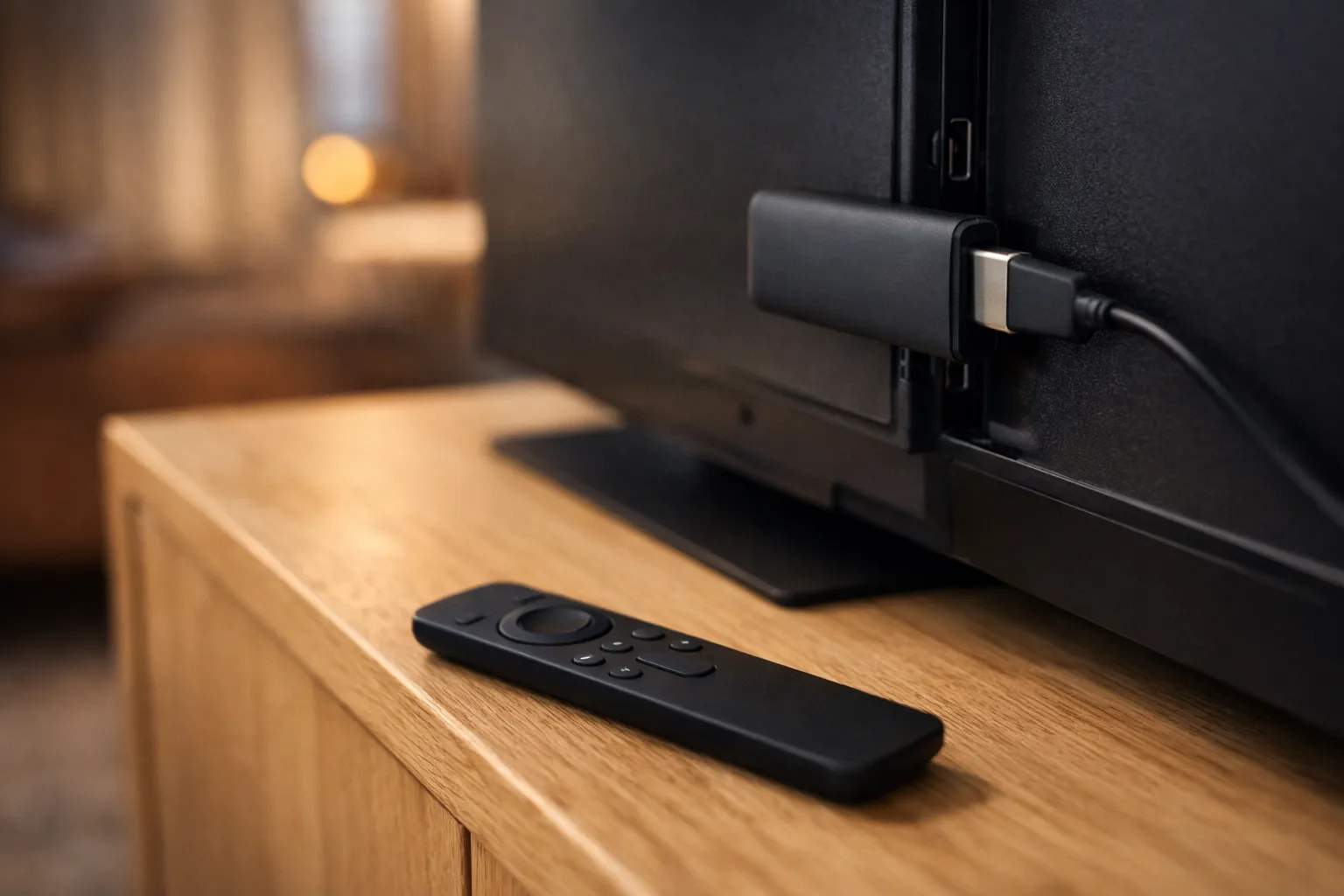
To get IPTV on Firestick, check your model first, because Fire TV devices on Vega OS can't sideload apps. On Fire OS, install Downloader from the Amazon Appstore, allow it to install apps, then add a player. TiviMate isn't on the Appstore as far as we can find, so enter code 272483 in Downloader. Open the player and enter the server URL, username and password from your provider. Neither the stick nor the player includes channels.
We sell Vivimate, an IPTV subscription, and we don't make Fire TV devices or any of these apps. The facts below come from Amazon's developer pages, AFTVnews, Google Play and the app developers' own pages, all read on November 7, 2026. We didn't test these apps on a Firestick for this guide, so we don't rank them.
Check your model first: Fire OS or Vega OS?
This one check decides everything else. Fire OS is based on Android, so it can run the usual IPTV players. Vega OS, which Amazon introduced in 2025, doesn't use Android. Amazon's device specifications list Vega OS on three sticks, and AFTVnews says those models don't support sideloading or its Downloader app.
| Model | How to spot it | System | Sideload? |
|---|---|---|---|
| Fire TV Stick 4K Select (2025) | "Select" in the name | Vega OS | No |
| Fire TV Stick HD (2026) | Wi-Fi 6, rounded corners | Vega OS | No |
| Fire TV Stick 4K, 3rd gen (2026) | "4K" beside the HDMI plug, white box | Vega OS | No |
| Fire TV Stick HD (2024) | Wi-Fi 5, squared corners | Fire OS | Yes |
| Fire TV Stick 4K Plus, 4K Max, Lite, Cube | Name says so | Fire OS | Yes |
| Smart TVs with Fire TV built in | Fire TV is the TV's own system | Fire OS | Yes |
On your own device, open Settings, then My Fire TV, then About, and read the software version. AFTVnews says a version labeled OS that starts with 1 or 2 means Vega OS, while one labeled Fire OS starts with 3, 5, 6, 7, 8 or 14. On a smart TV with Fire TV built in, the menu is called Device & Software. The name alone can mislead: two different sticks are sold as the Fire TV Stick HD, and only the 2024 one runs Fire OS.
If your stick runs Vega OS
You're limited to the Amazon Appstore. AFTVnews counted just over 1,000 apps on the 4K Select, against more than 30,000 on other Fire TVs. We haven't confirmed an Appstore player for Vega OS that takes an IPTV login, so check that a listing names Xtream or M3U before you pay for one. If nothing fits, the realistic choices are to return the stick for a Fire OS model such as the 4K Plus or 4K Max, or to use an Android TV box for IPTV.
Which IPTV app for Firestick?
A player is empty until you add a login, so the app and the service are separate choices. Two names come up most often for a Fire OS stick, and we don't pick a winner between them.
- TiviMate. Armobsoft FZE's Google Play listing says it is designed for Android TV and remote control navigation, and names M3U, Xtream Codes and Stalker Portal playlists. Code 272483 is the route onto a Fire OS stick. Our TiviMate review covers free and paid features.
- IPTV Smarters. The developer's download page offers an Android TV APK and says the app isn't distributed through any other website. It has no Fire TV entry, no Downloader code and doesn't name login types, so check the app's login screen after you install it.
On an IPTV player for Firestick, watch for look-alikes. Modified or “unlocked” builds don't come from the developer, and they would hold your login. Anyone who tells you to use a different code should be able to say where it leads.
How to install IPTV on Firestick with Fire OS
Menu wording varies between Fire OS versions, so look for the closest match.
- Install Downloader. Search for Downloader on the Home screen and install the AFTVnews app from the Amazon Appstore.
- Show Developer Options. Open Settings, then My Fire TV. If Developer Options is missing, go to About, highlight your device name and click the remote's D-pad 7 times.
- Allow the install. In Developer Options, turn on Apps from Unknown Sources. Some versions list Install unknown apps instead, with Downloader named. ADB debugging can stay off.
- Enter the code. Open Downloader, type 272483 and let the file download, then choose Install.
- Add your login. Open the player, choose Xtream Codes and enter your server URL, username and password.
Amazon's developer page gives the Apps from Unknown Sources wording and the 7-click step, and says the hidden menu applies to some software versions. The Downloader app accepts short codes from the AFTVnews URL shortener. We followed code 272483 on November 7, 2026, and it led to files.tivimate.com/tivimate.apk, the same file tivimate.com/apk points to.
Not sure which login you have? Our Xtream Codes setup guide explains the format. A server URL is slow to type with a remote, so take care with any port number at the end, and keep the WhatsApp message open on your phone to compare it.
If it doesn't work
- No Downloader, or no unknown-apps setting. You probably have a Vega OS model. Run the version check above.
- Downloader won't install the file. Check that the setting is on, then download the file again using the code.
- The login fails. It's usually a typing error or an ended trial. Re-enter the details, then read what to do when the IPTV server is unavailable.
- The guide is empty. Give it a few minutes, then refresh it in the app. Fixing a blank TV guide covers the rest.
- It buffers. We suggest 10 Mbps for HD, 20 Mbps for Full HD and 30 Mbps for 4K. See the speed IPTV needs at your house.
- Still stuck? Message us on WhatsApp with your model and the error. A person replies 24/7.
Using Vivimate on a Firestick
Vivimate logins are Xtream: a server URL, username and password, sent on WhatsApp, usually within minutes. Plans cost $19.99 for 1 month, $29.99 for 3 months, $39.99 for 6 months or $69.99 for 12 months plus 2 free, prepaid for one device. Any fee for extra features inside a player goes to its developer. On a stick without Google Play, TiviMate's paid features are unlocked through its TiviMate Companion app, and we can't tell you the price.
Test first with the free 24-hour IPTV trial, which takes no card, on the stick you'll really use. Then compare Vivimate plans and prices, or see IPTV setup on your other devices.
Frequently asked questions
What is the best IPTV app for Firestick?
We haven't measured the apps against each other, so we don't name a winner. TiviMate is built for a remote and has a TV guide grid. IPTV Smarters offers an Android TV download. Try one during a free trial on your own stick.
Is TiviMate on the Amazon Appstore?
Not as far as we can find. The direct route is the Downloader app with code 272483, which leads to a file on TiviMate's own domain. A Fire TV on Vega OS can't install it either way.
Can I sideload IPTV apps on a Fire TV Stick 4K Select?
Not in the usual way. It runs Vega OS, which has no Android app support, no Downloader and no unknown-sources setting. AFTVnews describes a developer route that needs an Amazon developer account and a USB connection to a computer, and it isn't meant for everyday viewers.
Do I need to jailbreak a Firestick for IPTV?
No. Allowing an app to install is a setting Amazon provides on Fire OS. Avoid sticks sold as jailbroken or fully loaded, and modified or unlocked copies of apps, because you can't tell what they contain and they would hold your login.
Is IPTV on a Firestick legal?
IPTV as a technology is legal, and so is installing a media player. Whether a seller is lawful depends on the rights it holds. We don't publish the rights agreements behind our channels, so read our guide to IPTV and the law and decide for yourself.
Stream Everything with Vivimate
55,000+ live channels · Up to 4K UHD · No contract · From $19.99/month