When IPTV keeps buffering, find where the stall starts before you change anything. Check whether one channel stalls or all of them, then run a speed test on the TV device and compare it with 10 Mbps for HD, 20 for Full HD and 30 for 4K. Next try Ethernet instead of Wi-Fi, then the app's buffer, then the device's memory and cache. If stalls come only at busy hours on every device, the seller is the likely cause.
We sell Vivimate, an IPTV subscription, so buffering complaints reach us from the seller's side. This page rests on that, on the speed figures we publish, and on device and app listings we read on November 7, 2026. We didn't test these steps on a device for this page, and no one we could find publishes figures on which cause is most common, so the checks are in order of cost, not frequency.
Why live IPTV buffers more than a streaming app
A film on an on-demand app can download minutes ahead of what you watch. A live channel can only hold a few seconds, so any dip on the way to your TV shows up as a pause and a spinning circle. Buffering means the video arrives more slowly than it plays, and the gap can open at any of four stops.
If channels never start at all, or the login is refused, that is a different fault: see why IPTV channels won't load. This page is for streams that play, then stall.
The six checks, in order
1. One channel, or all of them?
Play three channels from different groups for a few minutes each. If only one stalls, and it stalls on your phone too, that stream is struggling at the source, and nothing in your home will fix it. Note the channel and the time and report it. If every channel stalls, the cause is closer to you, so keep going.
2. Run a speed test on the TV device
Test on the stick, box or TV that buffers, not on a phone next to the router, and test at the hour it happens. Then compare the result with what we suggest per stream: 10 Mbps for HD, 20 Mbps for Full HD and 30 Mbps for 4K. Add them up for every screen playing at once, so two Full HD TVs need 40 Mbps and two 4K TVs need 60 Mbps.
If the device falls short, watch the HD version of the channel where your list has one, pause big downloads in the house, and see how much internet speed IPTV needs for a fuller way to measure. A fast result that still stalls points to the next check.
3. Wi-Fi or Ethernet
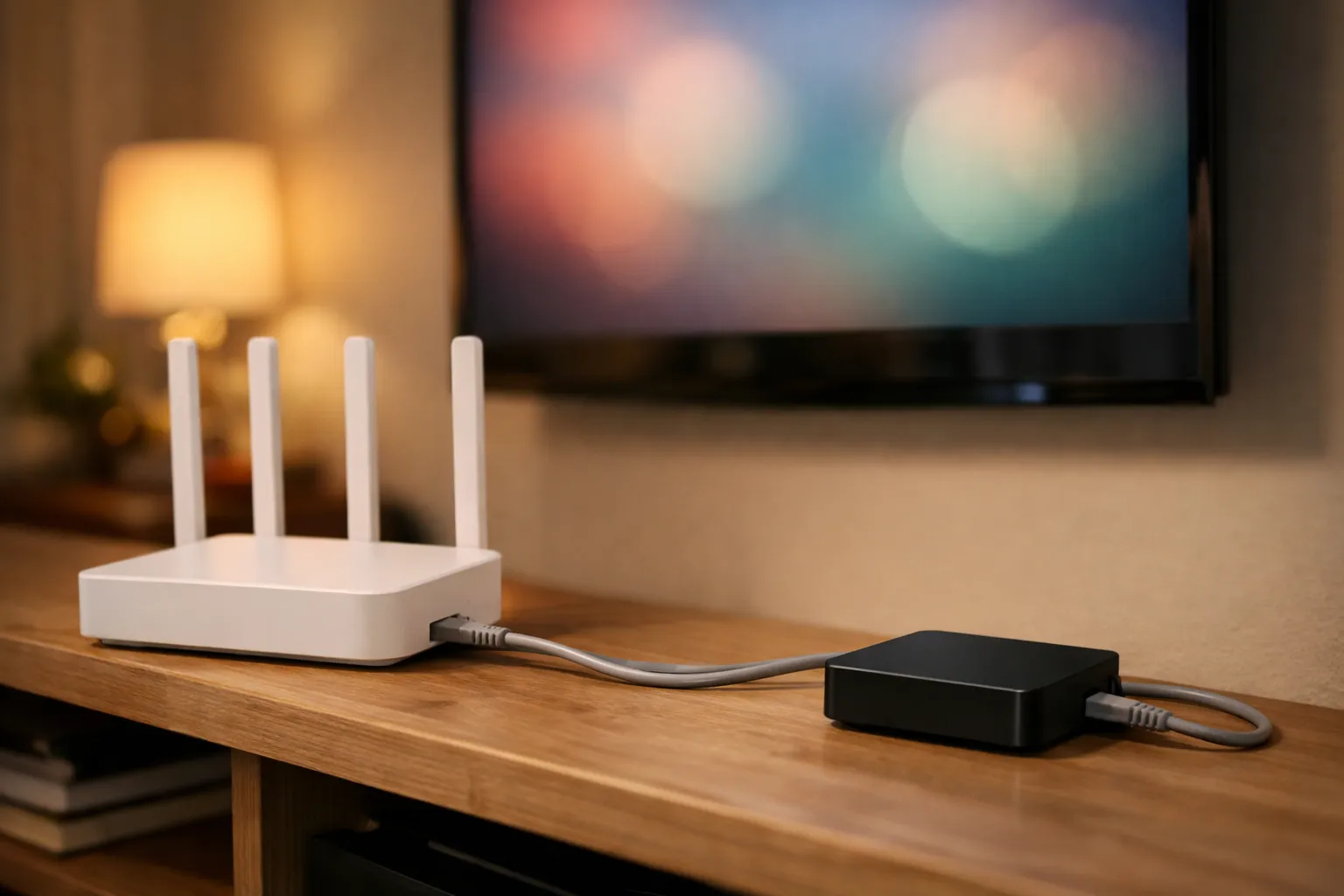
A speed test is a short burst. A live stream needs a steady rate for hours, and Wi-Fi to a TV behind a wall is where that most often breaks. For one evening, connect the device with a cable, or move it near the router. If the stalls stop, you've found the cause.
- Use a cable where you can. Many boxes have a port. Amazon's device specifications list no Ethernet port on its Fire TV sticks, only an adapter.
- Try the 5 GHz band. At short range it is usually faster and less crowded than 2.4 GHz, though it fades sooner through walls.
- Restart the router and the device. It is free, but if stalls come back the next day, it wasn't the cure.
4. The app's buffer setting
Many players hold a few seconds of video in reserve before they show it. A larger buffer can ride out brief dips, and channels take a little longer to start. Change it one step at a time, test the same channel, and put it back if nothing improves. A buffer smooths short gaps; it can't help when a stream keeps arriving slower than it plays.
If TiviMate keeps buffering, test the app first. Its Google Play listing calls it “a media player only” and doesn't name a buffer setting, and we found no developer manual, so the buffer option many guides mention is unverified by us and may be named differently in your version. Put the same login in a second player on the same device. If both stall, the cause is outside TiviMate. Our guide to setting up Vivimate in TiviMate covers the rest of the app.
5. The device's memory and cache
Small streaming sticks run short of memory with a big playlist, a guide and other apps open. Amazon lists 1 or 2 GB of memory for its Fire TV sticks and 8 or 16 GB of storage. If IPTV keeps buffering on a Firestick, close other apps, free some storage, then clear the player's cache under Settings, Applications, Manage Installed Applications. Clearing the cache keeps your login; clearing data removes it. Multiview and recordings each count as another stream, so turn them off while you test. Our Firestick IPTV guide covers the device.
6. Busy hours at the seller
If the stalls pass every check above, come mostly in the evening or during big games, and follow you to another device and a wired connection, the seller's server is the likely cause. That applies to us too: we don't publish server measurements, and we won't claim a stream never stalls. Send the seller the channel, the time, your device and what you ruled out. For stalls that only happen during games, see IPTV buffering during live sports.
Does a VPN or a DNS change help?
A VPN helps in one case only: when your internet provider slows video traffic. It can't add speed your line lacks, and it adds a stop of its own, so it can just as easily make things worse. Test first with Wehe, a free app from Northeastern University that checks whether a provider treats streaming traffic differently. If it finds throttling, compare the same channel with a VPN on and off. Vivimate's servers accept VPN connections. We never suggest a VPN to change your location or get around a block, and our guide to VPNs for IPTV explains why. A DNS change only alters how addresses are looked up, so we wouldn't expect it to fix a stream that has already started.
What won't help
- Cleaner and booster apps. We found nothing showing they do more than a restart.
- Modified or “unlocked” players. You can't tell what they contain, and we don't link to them.
- A faster internet plan, first. It won't fix weak Wi-Fi or a busy server, so run the checks before you pay.
- Changing five settings at once. You won't know which one helped.
Testing Vivimate on your connection
A second login from another seller is the quickest way to tell a home problem from a service problem. Vivimate gives a free 24-hour trial with no card taken, and the login arrives on WhatsApp, usually within minutes. Run it on the same device, at the hour your stalls happen. Plans cost $19.99 for 1 month, $29.99 for 3 months, $39.99 for 6 months or $69.99 for 12 months plus 2 free, prepaid for one device, with no contract and no auto-renewal. Start with the free 24-hour IPTV trial or compare Vivimate plans and prices.
If you already use Vivimate, message us on WhatsApp with the channel, the time and your device; a person replies 24/7. Your first purchase has a 7-day money-back guarantee when a service problem you report can't be fixed. Device, app setup and slow home internet are excluded, as our refund policy sets out.
Frequently asked questions
Why is my IPTV buffering so much?
Video is reaching the player more slowly than it plays. The gap can open on your Wi-Fi, your internet line, the device, the app's buffer or the seller's server. Whether one channel or all of them stall, and at what time, tells you which one to look at first.
Why does IPTV keep buffering on my Firestick?
The same causes apply, plus the stick's limits. Amazon lists 1 or 2 GB of memory for its Fire TV sticks and no Ethernet port of their own, so close other apps, clear the player's cache, and try Amazon's Ethernet adapter or the 5 GHz band.
Why does TiviMate keep buffering?
Its developer calls it a media player only, so it plays what arrives. Put the same login in a second player on the same device. If both stall, the cause is outside TiviMate. If only TiviMate stalls, try its buffer option, one step at a time.
Will a VPN stop IPTV buffering?
Only if your internet provider slows video traffic, and a VPN adds a stop of its own. Test for throttling first, then compare the same channel with the VPN on and off. Vivimate's servers accept VPN connections, but we never suggest one to change your location.
Is there IPTV that never buffers?
No seller can honestly promise that for live streams over the internet, and that includes us. Try a service on your own connection, at the hours you watch, before you pay for a long plan.
Stream Everything with Vivimate
55,000+ live channels · Up to 4K UHD · No contract · From $19.99/month