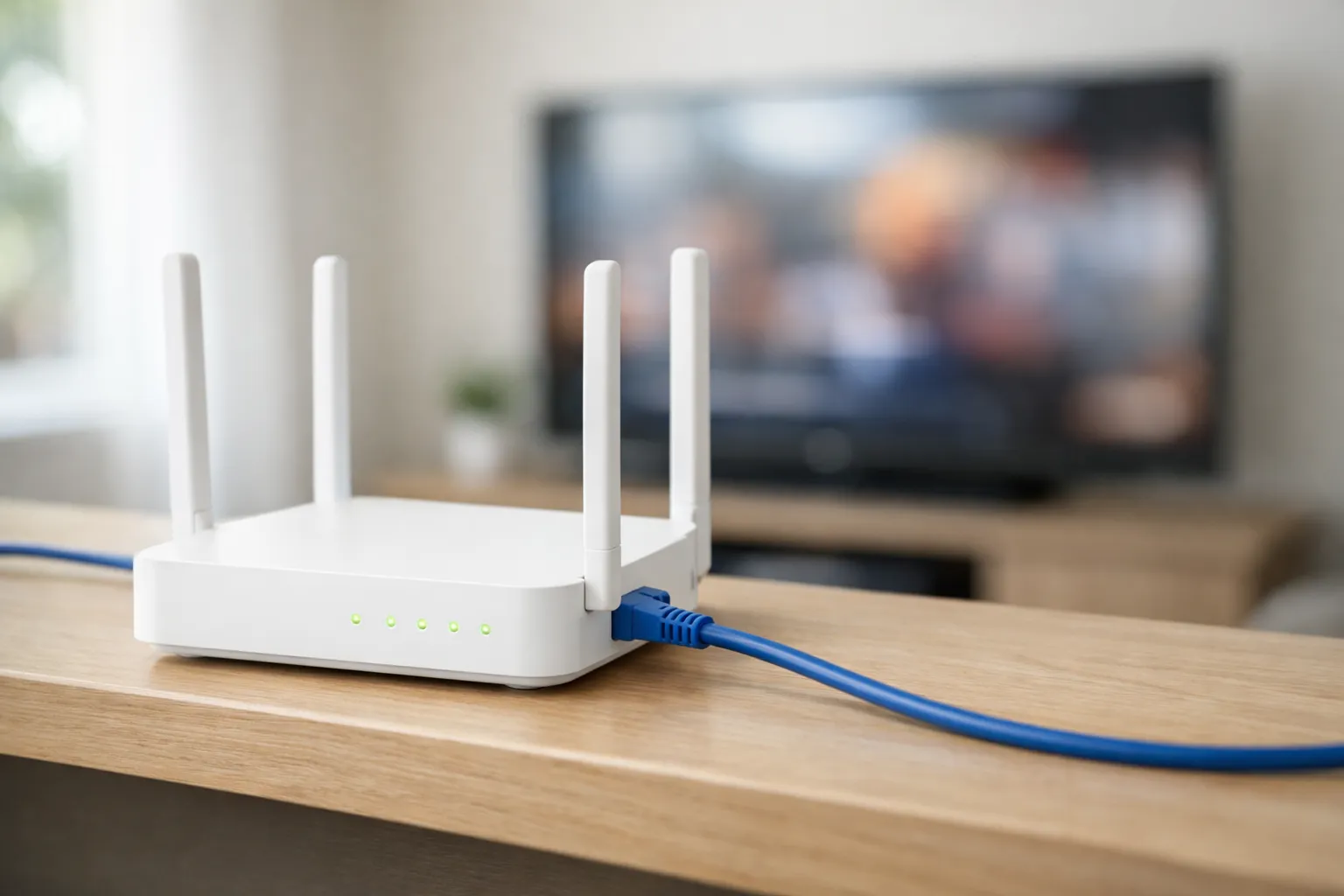
For IPTV, we suggest 10 Mbps for each HD stream, 20 Mbps for Full HD and 30 Mbps for 4K, measured on the device you watch on. These figures include headroom, so they sit above what services such as Netflix recommend, which is 15 Mbps for 4K. Add them up for every stream playing at once, or use the calculator below to allow for the rest of your household.
We sell Vivimate, so these internet speed requirements for IPTV are our own suggestion, not a lab result: we didn't measure any line for this page. The Netflix and YouTube figures come from their help pages, read November 7, 2026. The FCC's broadband guides refused our requests that day, so we quote no FCC figure.
How many streams at once, and at what quality?
Count every TV, phone and tablet that might be watching at the same time.
SD (480p)
2 Mbps per stream — Older channels and some international feeds.
HD (720p)
4 Mbps per stream — The most common live sports bitrate.
Full HD (1080p)
8 Mbps per stream — Standard for most channels and VOD.
4K UHD (2160p)
25 Mbps per stream — Marquee events and 4K VOD titles.
Recommended download speed
28 Mbps
2 simultaneous streams · Standard broadband is enough
12 Mbps of video, × 1.5 for variable-bitrate spikes, + 10 Mbps for everything else in the house.
How to read the calculator against 10, 20 and 30 Mbps
The two answer slightly different questions. Our 10, 20 and 30 Mbps is a per-stream rule of thumb, with headroom built in. The calculator sizes a whole house: it starts from what a stream typically uses (2 Mbps in SD, 4 in HD, 8 in Full HD and 25 in 4K), multiplies by 1.5 for spikes in live video, and adds 10Mbps for everything else online. So the “4Mbps per stream” you see above is an estimate of the video itself, not the line speed we suggest.
On 4K the calculator is the more cautious of the two. 25 times 1.5 is about 38Mbps before the household allowance, compared with our 30 Mbps. Treat 30 Mbps as the figure for a quiet line, and the calculator's answer as the safe size for a busy evening. When the two differ, plan for the higher one.
Why our figures are higher than Netflix's and YouTube's
Netflix recommends 3, 5 and 15 Mbps or higher. YouTube recommends 2.5, 5 and 20 Mbps sustained. Those are honest figures, and lower than ours. A stream can play below 10, 20 or 30 Mbps, so don't read ours as a technical floor.
| Quality | Vivimate suggests | Netflix recommends | YouTube recommends |
|---|---|---|---|
| HD (720p) | 10 Mbps | 3 Mbps | 2.5 Mbps |
| Full HD (1080p) | 20 Mbps | 5 Mbps | 5 Mbps |
| 4K (2160p) | 30 Mbps | 15 Mbps | 20 Mbps |
There are three reasons for the gap:
- Their numbers describe their own video. Each service knows exactly how it encodes its catalog. IPTV channels come from many sources, and some use more data than others.
- They can step down. Netflix says it may stream at a lower quality on a slow or unstable line, and you may not notice. A live channel in a player app may have fewer versions to fall back on.
- Live TV can't load far ahead. On-demand video can build up a long buffer and ride out a slow patch. A live channel has only a few seconds in hand.
What speed really means for IPTV
Three things describe a connection. Download speed decides whether the stream fits. Jitter, the variation in how evenly data arrives, decides whether playback stays smooth. Latencymatters less, because a player holds a few seconds in reserve. Upload speed barely matters for watching. You don't need gigabit internet for IPTV either, since buying more speed won't fix a weak Wi-Fi link.
How much speed does a whole household need?
Add up every stream that plays at once, then compare the result with the calculator. Your internet decides how many streams the line can carry, while your plan decides how many devices can connect, from 1 to 4. See how many devices can use IPTV at once.
| What plays at once | Our per-stream sum | Calculator |
|---|---|---|
| One HD stream | 10 Mbps | 16 Mbps |
| One Full HD stream | 20 Mbps | 22 Mbps |
| One HD and one Full HD | 30 Mbps | 28 Mbps |
| One 4K stream | 30 Mbps | 48 Mbps |
| Two 4K streams | 60 Mbps | 85 Mbps |
| Four Full HD streams | 80 Mbps | 58 Mbps |
What to check on your type of connection
| Connection | What to check |
|---|---|
| Fiber | Usually steady in the evening. It's rare for the line to be the limit, so look at Wi-Fi first. |
| Cable | Plenty of speed on paper, but it can slow when your neighborhood is online. Test in the evening. |
| DSL | Speed falls with distance from the exchange. Measure before you plan on 4K. |
| 5G or fixed wireless | Speed moves with signal and time of day. Check for a data cap as well. |
| Satellite | Check the data allowance and the evening speed, since either can rule out 4K. |
How to test your internet speed for IPTV
- Test on the streaming device. Use a speed-test app or the device's browser. A phone beside the router can read far higher than a TV behind a cabinet.
- Test in the evening, three times. Run it ten minutes apart. Big swings explain buffering that comes and goes.
- Test wired, then on Wi-Fi. The gap between them is what Wi-Fi is costing you.
- Play a real stream. The free 24-hour IPTV trial lets you watch channels on your own line at your usual hour, with no card taken.
How much data does IPTV use?
This is simple arithmetic from the calculator's planning figures, so real use will vary by channel. It only matters if your plan has a data cap, as many mobile and satellite plans do.
| Quality | Per hour | 2 hours a day for 30 days |
|---|---|---|
| HD | About 1.8 GB | About 108 GB |
| Full HD | About 3.6 GB | About 216 GB |
| 4K UHD | About 11.3 GB | About 675 GB |
When speed isn't the problem
- It stutters in the evening but is fine at lunchtime. Your line slows when the neighborhood is online. Drop one quality level for that hour, wire the TV and pause big downloads.
- The speed test is fast, yet channels freeze. A speed test is a short burst. Weak Wi-Fi between the router and the TV is the usual suspect, so try a cable or the 5 GHz band.
- One channel buffers while the others play. That points to the channel rather than your line, and no faster plan will change it. Tell us which one on WhatsApp.
- 4K buffers but Full HD is smooth. The device or Wi-Fi may be at its limit. Check that the device decodes HEVC, then wire it.
- It changes with a VPN on. Our servers accept VPN connections, but a VPN can still slow a stream, so compare with it on and off. See whether IPTV needs a VPN.
The IPTV buffering fix guide takes these in order, and what a 4K IPTV subscription needs covers the device and HDMI side.
Once your line is ready
Vivimate plans cost $19.99 for 1 month, $29.99 for 3 months, $39.99 for 6 months or $69.99 for 12 months plus 2 free, prepaid for one device with no contract. Slow home internet isn't covered by our 7-day money-back guarantee, so run the test first. Compare Vivimate plans and prices.
Frequently asked questions
How many Mbps do I need for IPTV?
We suggest 10 Mbps for each HD stream, 20 Mbps for Full HD and 30 Mbps for 4K, measured on the device you watch on. Add them up for every stream playing at once, then check the calculator and plan for the higher of the two.
Is 10 Mbps enough for IPTV?
For one HD stream, if the line really delivers it in the evening. It leaves little room for anything else in the house, and it falls short of our suggestion for Full HD or 4K. On a 10 Mbps line, keep other devices quiet while you watch.
Is 50 Mbps enough for IPTV?
For most homes with one or two screens, yes. It covers two Full HD streams, or one 4K stream with the calculator's room for the rest of the house. It falls short of two 4K streams at once, which need 85 Mbps on the calculator.
Why does IPTV buffer when my speed test is fine?
A speed test measures a short burst to a nearby server, usually on one device. A live stream needs a steady rate for hours on the device that's playing it. Weak Wi-Fi, an overloaded router or an evening slowdown can all break that without showing on the test.
How much data does IPTV use?
At the calculator's planning figures, about 1.8 GB an hour in HD, 3.6 GB in Full HD and 11.3 GB in 4K. Real use varies by channel, and it only matters if your plan has a data cap.
Stream Everything with Vivimate
55,000+ live channels · Up to 4K UHD · No contract · From $19.99/month