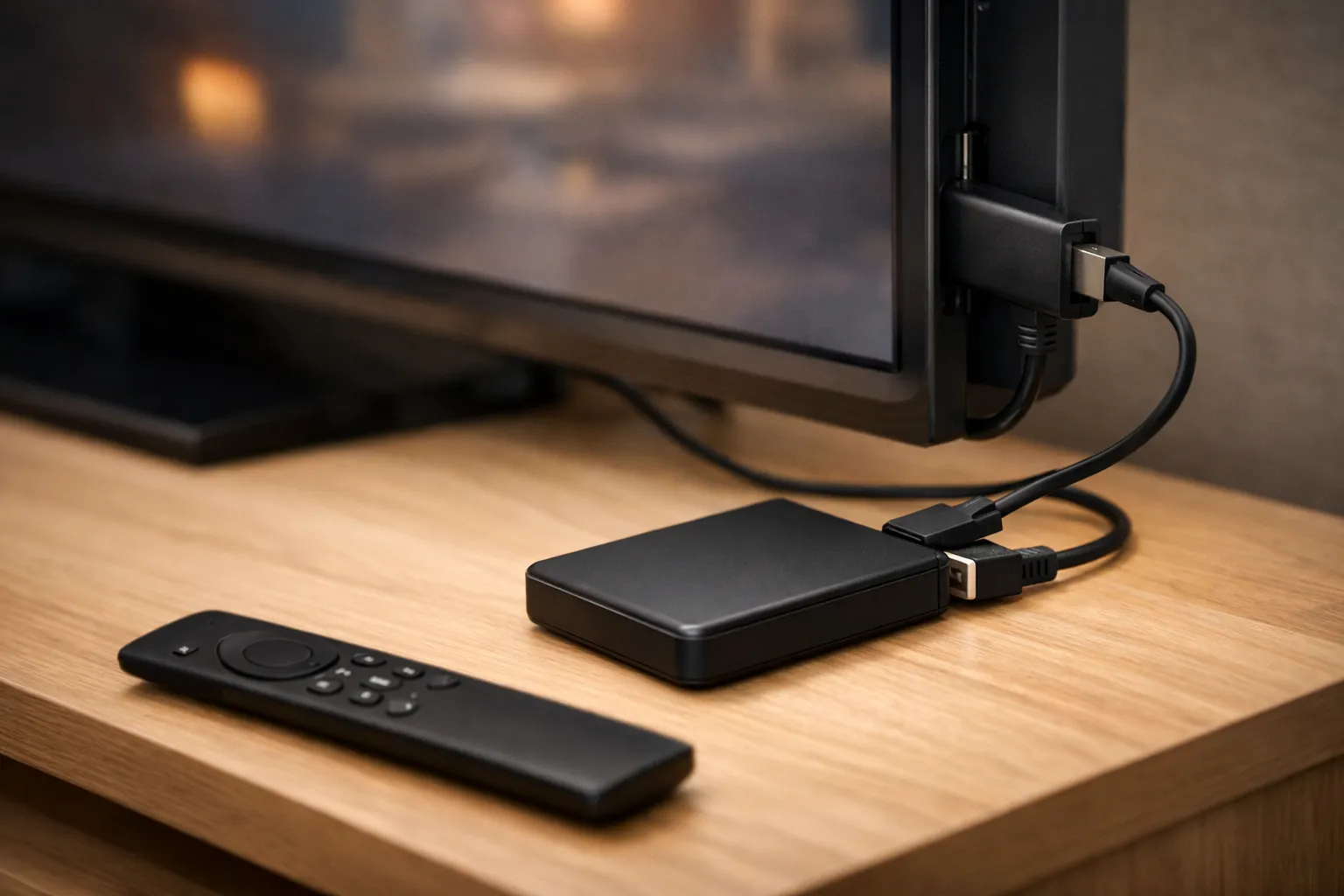
To record IPTV, you need a player app that records and storage it can write to, such as a USB drive. TiviMate lists recording in its paid TiviMate Premium tier, XCIPTV PLAYER lists scheduled recording, and VLC records on a computer. Before you record, check catch-up: on supported channels, Vivimate keeps 7 days of past programs you can play without storing anything. Recording only matters for keeping a show longer.
We sell Vivimate, an IPTV subscription, and we make none of these apps. The app and device facts below come from the developers' own listings and pages, and Amazon's specifications, read on November 7, 2026. We didn't test recording in any app for this guide, so we don't rank them.
Catch-up or recording: which do you need?
Catch-up and recording solve different problems. Catch-up plays programs that already aired from an archive on the provider's side, so nothing is stored on your device. Recording saves a copy of the stream to storage you own, and it stays until you delete it.
Vivimate has 7-day catch-up on supported channels, not on every channel. Your player must support catch-up as well, and not all do. So if you mostly miss shows by a day or two, catch-up is simpler. If you want to keep something for weeks, or the channel has no catch-up, record it.
Which apps record IPTV?
Your provider sends the channels; the app decides whether you can record IPTV streams at all. These five are the ones people ask about most. “Not listed” means the developer doesn't mention it, not that we proved the app lacks it.
| App and developer | Runs on | Recording | Cost note |
|---|---|---|---|
| TiviMate Armobsoft FZE | Android TV, Fire OS | Listed; needs TiviMate Premium | In-app purchases |
| XCIPTV PLAYER OTTRUN | Android | Scheduled, to internal or external storage | Contains ads, in-app purchases |
| UHF Short Wavelength Applications SL | Apple TV, iPhone, iPad | Through UHF Server on your computer | Companion server is free |
| VLC VideoLAN | Windows, Mac, Linux | Record button on a computer | Free |
| IPTV Smarters getiptvsmarters.com | Varies by app | Not listed on its features page | Varies by app |
TiviMate's listing names recording without saying which tier it sits in. As our TiviMate review explains, recording is part of TiviMate Premium, bought from the developer, and we can't quote a price for it. Google Play shows in-app purchases of $0.99 to $33.99 per item, so check the purchase screen. Avoid copies sold as “unlocked”.
On an Apple TV, UHF's App Store listing says it records through UHF Server, a free companion app you run on a Mac, Windows or Linux computer on your home network, so that computer has to stay on. On a computer of your own, the VideoLAN wiki says VLC can save a stream with its record button or its Stream Output feature. That page was last edited in 2014, so menu names may have moved since. For a wider feature comparison, see the best IPTV players compared.
How to record an IPTV stream in TiviMate
- Add your login. Our guide to using Vivimate IPTV with TiviMate covers the Xtream setup.
- Unlock TiviMate Premium from inside the app, if you want to record.
- Choose where recordings go. Open the Recordings page, select the gear icon, then Recordings folder, and pick internal storage or a USB drive.
- Record a short test. Pick a program in the TV guide, record ten minutes, and play the file back before you trust it with a whole game.
Recording one channel while you watch another uses two streams at once. Each counts toward your plan's device limit, so a one-device plan may not allow both at the same time.
Recording IPTV on Firestick
Storage is the catch on a Fire TV Stick. Amazon's specifications list 8 GB on most sticks and 16 GB on the Fire TV Stick 4K Max 2nd gen, shared with your apps. That fills quickly, so most people record to a USB drive through an OTG adapter.
On Fire OS 8 there's a second step. AFTVnews explains that its stricter file permissions stop TiviMate reaching a USB drive directly, so access has to be granted through the system file picker. Its guide, written in October 2023 for the 2nd-gen Fire TV Stick 4K and 4K Max, needs either a keyboard or ADB commands from another device, not just the remote. Newer sticks that run Vega OS can't install TiviMate at all, as our guide to IPTV on Firestick explains.
How much storage does recording IPTV take?
A recording takes as much space as the stream sends. To turn a bitrate into gigabytes per hour, multiply the megabits per second by 3,600 and divide by 8,000. A 4 Mbps stream fills about 1.8 GB an hour, a 10 Mbps stream about 4.5 GB, and a 20 Mbps stream about 9 GB.
On a 128 GB drive, that's about 71 hours at 4 Mbps, about 28 hours at 10 Mbps and about 14 hours at 20 Mbps. A 4K channel usually needs more space than an HD one. Bitrates vary by channel, so the most reliable figure is your own: record ten minutes, check the file size and multiply by six. Because recording writes for hours at a time, a portable hard drive or SSD is a safer choice than a small flash drive.
Can you record IPTV Smarters?
Not that we can confirm. The developer's features page lists catch-up support but not recording, and many apps carry the Smarters name in each store, from different developers. If you use a Smarters app and want to record, read the listing for that exact app. If it doesn't mention recording, switch to an app that does, or rely on catch-up. Our IPTV Smarters setup guide covers the login side.
Recordings are for your own viewing
Record shows to watch later at home. Don't share, upload or sell recordings: the programs belong to their rights holders, and passing copies on can infringe copyright. App developers make the same point; TiviMate's listing says it is a media player only and provides no content.
Recording with Vivimate
A Vivimate login works in any player that takes an Xtream login, including the apps above that record. Plans cost $19.99 for 1 month, $29.99 for 3 months, $39.99 for 6 months or $69.99 for 12 months plus 2 free, prepaid for one device. Plans cover 1 to 4 devices at once, which matters if you record and watch at the same time.
Try catch-up and a test recording on your own device during the free 24-hour IPTV trial, with no card taken. Then compare Vivimate plans and prices, or message us on WhatsApp. A person replies 24/7.
Frequently asked questions
Can you record IPTV?
Yes, with a player app that records and storage it can write to. TiviMate, XCIPTV PLAYER and VLC on a computer all list recording. The channel list and the login come from your provider; the recording feature comes from the app.
Can I record IPTV without TiviMate Premium?
Not in TiviMate, as far as we can tell: recording sits in the paid TiviMate Premium tier. XCIPTV PLAYER lists scheduled recording in its own Google Play listing, and that app contains ads.
Can IPTV Smarters record?
The developer's features page, read on November 7, 2026, lists catch-up but not recording. Many apps carry the Smarters name, so check the listing of the exact one you use. For recording, choose an app that names it.
How long does catch-up last?
It depends on the provider and the channel. Vivimate has 7-day catch-up on supported channels, and your player has to support catch-up too. After that window, only a recording keeps the program.
Where do IPTV recordings go on a Firestick?
To the folder you set in the app, either the stick's own storage or a USB drive through an OTG adapter. Most sticks have 8 GB shared with apps, so a drive is more practical. Fire OS 8 needs extra steps to give the app access.
Stream Everything with Vivimate
55,000+ live channels · Up to 4K UHD · No contract · From $19.99/month