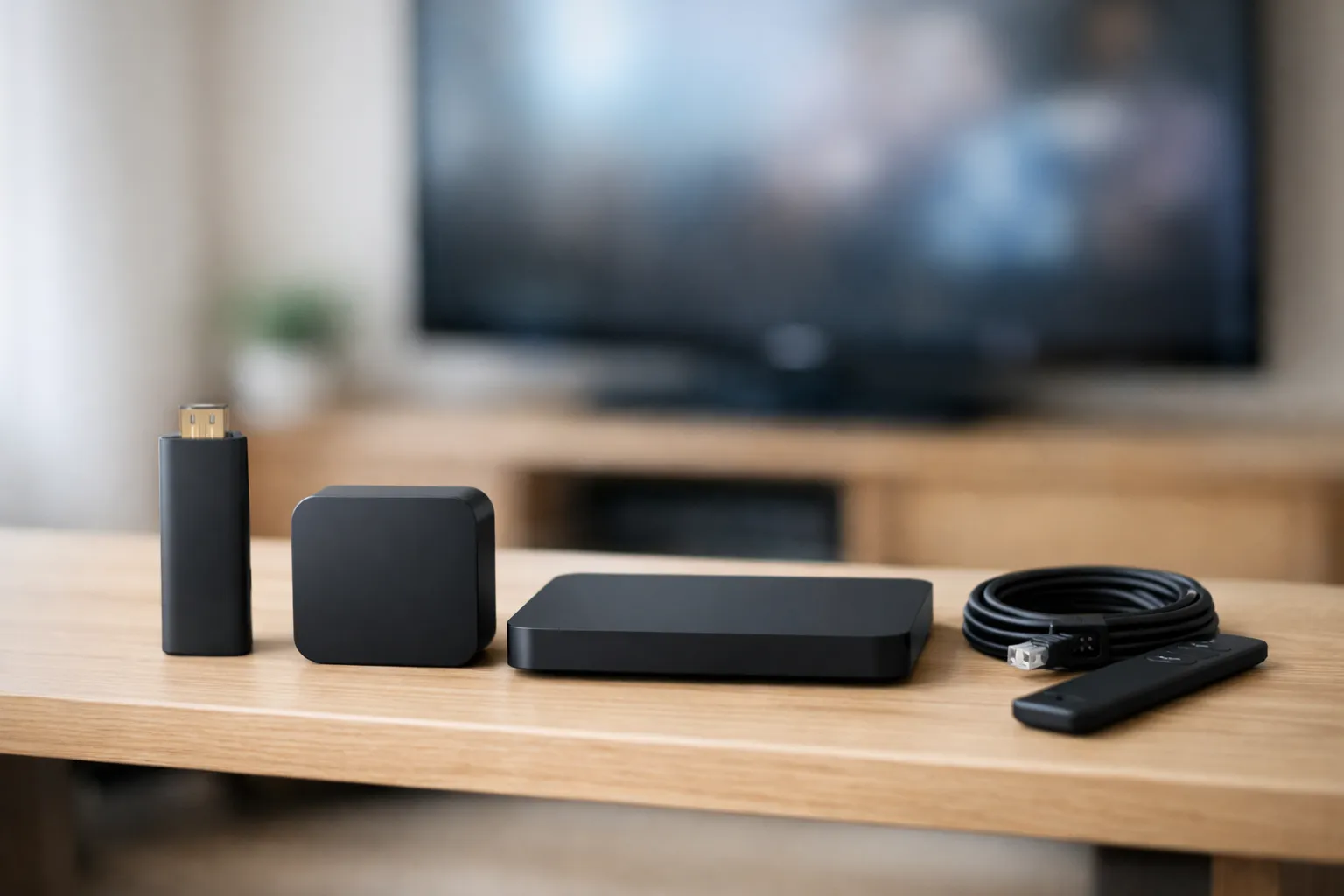
An IPTV box is any device that connects to your TV and runs a player for your IPTV login, and it brings no channels of its own. It comes in three types: a streaming stick, an Android or Google TV box, or a set-top box like MAG. Pick by how setup works and whether you need a wired port. Avoid uncertified boxes sold as unlocked, which the FBI has warned about. We haven't tested any, so we name no winner.
We sell Vivimate, an IPTV subscription. We sell no hardware, and no box maker pays us. The specs below come from makers' pages and the safety advice from an FBI notice and Google, all read on November 7, 2026. We didn't buy or test any of these boxes, so the order means nothing. We leave out prices because they change quickly.
Do you need an IPTV box at all?
Often you don't. If your TV shows Google Play on its home screen, you can install a player on the TV itself. A phone or a computer can play IPTV too. A box earns its place when your TV can't run the app you want, or when you need a wired connection your TV can't use well. Whatever you choose, our IPTV setup guide for each device runs from login to first channel.
Six devices, with their makers' specs
These cover each route, and being listed isn't a recommendation over a model we left out. Specs were read on November 7, 2026, and makers revise hardware, so confirm the one you're buying.
Google TV Streamer
Listed by Google's spec page: Google TV · 4 GB memory · 32 GB storage · Ethernet · Wi-Fi 802.11ac.
Could fit if: You want Google Play installs and a wired port with no adapter.
Watch for: Its Wi-Fi is 802.11ac, so use the port if your signal behind the TV is weak.
NVIDIA SHIELD TV Pro
Listed by NVIDIA's spec page: Android 11 with Android TV · 3 GB RAM · 16 GB storage · Gigabit Ethernet · two USB 3.0 ports.
Could fit if: You want Google Play, a wired port and USB drives for extra storage.
Watch for: NVIDIA also sells a plain SHIELD TV with 2 GB RAM and a microSD slot, so check which one a listing means.
Fire TV Stick 4K Max (2nd gen)
Listed by Amazon's device specifications: Fire OS 8 · 2 GB RAM · 16 GB storage · Wi-Fi 6E · Ethernet 10/100 only with an external dongle.
Could fit if: You want a small stick that hides behind the TV.
Watch for: Amazon lists Vega OS on three newer sticks, and those can't sideload a player. Check the exact model before you buy.
Formuler Z11 Pro
Listed by Formuler's product page: Android 11 · 2 GB RAM · 16 GB storage · Gigabit Ethernet · dual-band Wi-Fi.
Could fit if: You want a box sold for IPTV, with Formuler's own MYTVOnline3 client.
Watch for: Its page doesn't settle Play Protect status for us, so check Google's list before you buy.
MAG540
Listed by Infomir's product page: Linux 4.9 · 1 GB RAM · 4 GB storage · 100 Mbps Ethernet · Wi-Fi only on the MAG540w3 version.
Could fit if: You want a set-top box that does IPTV and little else.
Watch for: It can't run Android players such as TiviMate. Infomir pitches it at operators, and setup goes through a portal, so ask us for MAG details first.
Apple TV 4K
Listed by Apple's spec page: tvOS · 128 GB storage · Gigabit Ethernet · Wi-Fi 7.
Could fit if: Your household already runs on Apple devices.
Watch for: We can find no TiviMate for it. UHF and IPTVX name Xtream logins in their listings. Older models differ, so check yours.
Why no Walmart onn box? Walmart's page refused our fetch, so we have no maker's spec to show. A Lon.TV review of the onn 4K Plus reports Google TV on Android 14, 2 GB of RAM and 16 GB of storage, with Ethernet only through a USB-C hub and uneven results. Read its current listing before you buy one.
How setup differs by type
Vivimate sends an Xtream login, which is a server URL, username and password. On a Fire OS stick, the player gets there through Downloader with code 272483. Our guide to installing TiviMate on each device has both app routes. MAG works differently: tell us the model on WhatsApp and support will send MAG details.
Which IPTV box fits what you need?
No box suits every home, so start from your situation.
| Your situation | Where to start |
|---|---|
| Your TV already has Google Play | Don't buy a box. Install the player on the TV. |
| The simplest installs and a wired connection | An Android or Google TV box with an Ethernet port. |
| Something small that plugs in behind the TV | A Fire TV stick on Fire OS, after checking the model. |
| A home full of Apple devices | An Apple TV 4K, with UHF or IPTVX as the player. |
| A traditional set-top box with one job | A MAG box, once we've confirmed the details for it. |
| You already own a Roku | Try store apps or mirroring first, then decide. |
For the network side, we suggest 10 Mbps for HD, 20 Mbps for Full HD and 30 Mbps for 4K. A 4K box won't turn an HD stream into 4K, and a weak Wi-Fi signal behind the TV causes more trouble than a small spec gap between boxes.
Avoid fully loaded and uncertified boxes
Safety comes before specs. In June 2025 the FBI warned that TV streaming devices and other home gadgets were being pulled into a botnet called BADBOX 2.0, with malware that can arrive preinstalled or during setup. Google adds that devices that aren't Play Protect certified may not be secure and may not get updates, and its help page shows how to check.
The FBI also advises against apps from third-party marketplaces that advertise free streaming. So buy a plain device and add your own player and login, and read our guide to IPTV on Android TV for the checks in order.
IPTV box USA: where to buy, and what about Roku?
Buy from the maker or a large US retailer that handles returns, so you can send it back if it doesn't suit. Infomir runs a US store for MAG boxes that says it ships from a US warehouse. Be careful with marketplace listings that lack a recognizable brand.
Roku deserves its own warning. It doesn't run Android apps, and TiviMate isn't available from its developer there. Its store lists players that name Xtream or M3U, and you can also mirror a phone. A Vivimate login has run in a Roku store app, so ask us which one. See IPTV on Roku and its limits before you buy one for this.
Test before you buy a box
Run the free 24-hour IPTV trial on a device you already own first. If the service suits you, the box becomes a smaller decision. Vivimate plans cost $19.99 for 1 month, $29.99 for 3 months, $39.99 for 6 months or $69.99 for 12 months plus 2 free, prepaid for one device, with no contract and no auto-renewal. Plans cover 1 to 4 devices at once. A box is a one-off purchase from its seller, and we don't sell or refund hardware.
Frequently asked questions
What is the best IPTV box?
We haven't bought and measured these boxes, so we won't name a winner. Choose the type that suits your TV and connection, then check the model's specs on its maker's page. A free trial will tell you more than a ranking can.
What is the best Android TV box for IPTV?
We can't give you a measured answer. Start with a box that is Play Protect certified, installs from Google Play and has an Ethernet port. The Google TV Streamer and NVIDIA SHIELD TV both publish those specs.
What is an IPTV set top box?
A box that connects to your TV over HDMI and plays IPTV. A MAG box is built mainly for that job and uses a portal instead of an app store. An Android or Google TV box does it through a player app, alongside other streaming apps.
Does an IPTV box come with channels?
A plain box doesn't. It plays what your provider supplies through a player app. Be wary of any box advertised as unlocked or as coming with free content, because the FBI lists those among the signs of the BADBOX 2.0 botnet.
Can I use a Roku as an IPTV box?
You can try. Roku's store lists players that name Xtream or M3U logins, and phones can mirror to it, but TiviMate isn't available from its developer. A Vivimate login has run in a Roku store app, so ask us which one.
Is an IPTV box legal in the USA?
IPTV as a technology is legal, and so is owning a box. Whether a seller is lawful depends on the rights it holds. We don't publish the rights agreements behind our channels.
Stream Everything with Vivimate
55,000+ live channels · Up to 4K UHD · No contract · From $19.99/month