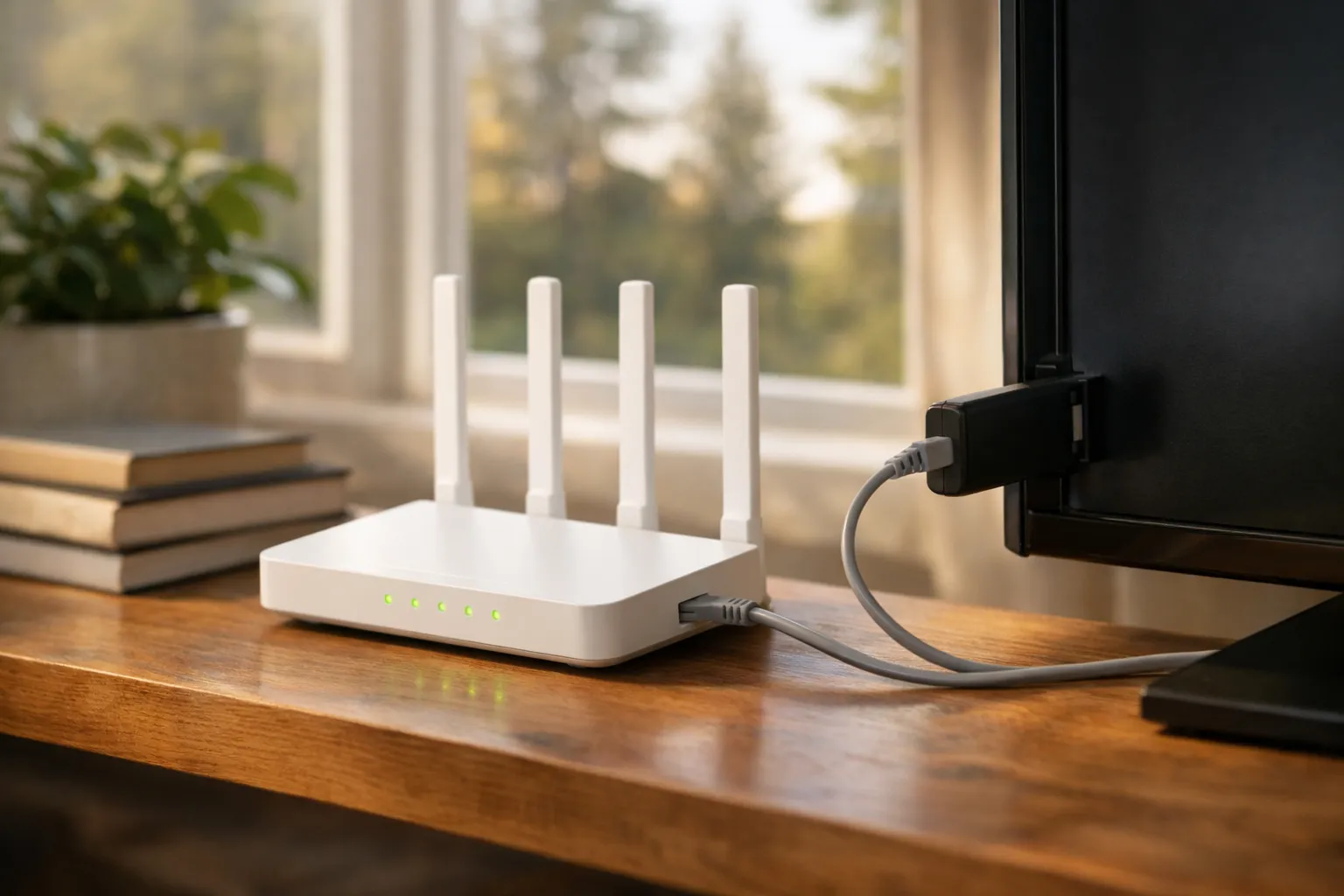
What is internet television? It's TV sent as data over IP networks, instead of over the air, down a cable TV line or from a satellite dish. It comes in two main forms: managed IPTV, which a telecom runs over its own network to its box or app, and OTT streaming, which travels over the public internet to an app on any connection. To watch, you need a connection, a device, an app and an account.
We sell Vivimate, an IPTV subscription, so internet television is our business. This page explains the technology, not any one service. The legal definitions and provider details below were read from primary sources on November 8, 2026, and the speed figures are our own.
Internet television, defined
Television used to travel as a radio signal: from a tower, down a coaxial cable or from a satellite, with every channel sent at once and your box tuning one in. Internet television sends the picture as data packets using the Internet Protocol, the same way a web page or a video call travels. Your device asks for a channel or a show, and the network delivers the packets for it.
Canadian law has a term for the online kind. The Broadcasting Act (current to October 19, 2026, when we read it) defines an “online undertaking” as one “for the transmission or retransmission of programs over the Internet” for reception by the public. It keeps that apart from a “distribution undertaking”, which receives broadcasting and retransmits it to homes, and whose definition expressly leaves online undertakings out.
IPTV vs OTT vs cable: three ways TV reaches you
The words get mixed up because all of them can end on the same TV. The difference is the path the picture takes and who controls it.
| Type | Path to your home | Example | What it needs |
|---|---|---|---|
| Managed IPTV | The provider's own network, from its servers to its box or app | A telecom's fibre TV, such as Bell Fibe TV | That provider's internet service |
| OTT streaming | The public internet, over any provider's connection | Netflix, CBC Gem, TSN's app | Any connection fast enough |
| IPTV subscription and player | The public internet, into a player app you choose | A seller's login in TiviMate, UHF or a similar app | Any connection, plus a player app |
| Traditional cable or satellite | A coaxial line or a dish, tuned by a box | A cable company's TV service or satellite TV | The line or dish and the provider's receiver |
- Managed IPTV is TV over IP inside a provider's own network. Bell's Fibe TV page describes TV brought over fibre with no dish, no set-top box needed on a compatible smart TV or streaming device, a receiver for $10 a month for TVs without one, and live TV on the TV screen tied to eligible Bell Internet.
- OTT, short for over the top, runs on top of whatever connection you already have. The service doesn't own the network, so it works with any provider. Netflix, broadcaster apps and sports apps are all OTT.
- Cable over IP is where the two meet. Some providers, Bell among them, now deliver their TV package as an app on a smart TV or stick, while still selling it with their internet.
An IPTV subscription from an independent seller is technically OTT: the login goes into a player app, and the streams cross the public internet. The everyday word for it is still IPTV. Our explainer on what IPTV is and how it works covers the terms you'll meet, such as M3U, Xtream and EPG.
How a stream reaches a Canadian home
Whichever type you use, the picture passes through the same broad stages between the studio and your screen.
- Source. A live channel feed or a stored film or episode.
- Encoder. Compresses the video so it fits through a home connection, often in several quality levels.
- Servers. The service's own servers, often with copies placed in data centres closer to viewers.
- Your internet provider. Carries the packets across its network to your home line.
- Your router. Passes them to the device over Wi-Fi or an Ethernet cable.
- The app. Decodes the video and plays it, switching quality if the connection slows.
The big technical difference between managed IPTV and OTT is how stage 3 reaches stage 4. A provider that controls the whole network can use multicast, which RFC 1112 defines as sending an IP datagram to a “host group”: one stream of a channel, shared by every home on the network watching it. An OTT service sends each viewer a separate copy, called unicast, so each screen uses its own share of your connection.
Because every OTT screen draws its own stream, the picture can soften when the household is busy online, and a wired connection to the TV often helps. If it does buffer, our step-by-step buffering fixes start with the home network.
What a home needs for internet television
- A connection. Fibre, cable, DSL or fixed wireless all work if the speed holds up in the evening, when the household uses it most.
- Enough speed per screen. We suggest 10 Mbps per HD stream, 20 for Full HD and 30 for 4K, so two 4K TVs playing at once need 60 Mbps.
- Room in a data cap. Streaming counts toward any monthly cap on your internet plan. Check the cap before you move all your viewing online.
- A device that runs the app. A smart TV, a streaming stick, a set-top box, a phone or a computer. The app decides which devices work, so check before you buy.
- An account or login. A free account, a paid subscription or a provider's login, depending on the service.
You don't need a cable TV package, only an internet line, as our page on whether IPTV works without cable internet explains. For speed tests and Wi-Fi tips, see the internet speed IPTV needs.
Internet television in Canada
Canadian homes can watch internet TV from all three directions: telecom TV packages delivered over IP, broadcaster and sports apps, and independent IPTV sellers. Some of it is free. When we read it, CBC Gem listed all 14 live local CBC TV channels with a free account.
The technology itself is legal. What decides whether a service is lawful is the rights it holds to the channels it sends, and Canadian courts have ordered internet providers to block some services. Our page on what Canadian law says about IPTV covers the cases. For choosing a service, our IPTV Canada guide for Canadian homes is the starting point, and it links to price and channel checks.
Where Vivimate fits
Vivimate is an IPTV subscription of the OTT kind: a login, sent on WhatsApp, for a player app on your device. It has 55,000+ live channels and streams up to 4K UHD. Plans cost $19.99 for 1 month, $29.99 for 3 months, $39.99 for 6 months or $69.99 for 12 months plus 2 free, prepaid in US dollars for one device, so a Canadian card may add a conversion fee. We don't promise any named Canadian channel, and we don't publish the rights agreements behind our channels.
The free 24-hour IPTV trial needs no card, and it shows how internet TV behaves on your own line before you pay anything.
Frequently asked questions
What is internet television?
Internet television is TV delivered as data over IP networks, the same way web pages and video calls travel, instead of over the air, down a cable TV line or from a satellite. You watch it in an app on a smart TV, streaming stick, box, phone or computer.
Is internet TV the same as IPTV?
Not quite. In the strict sense, IPTV is TV over a network the provider manages, such as a telecom's fibre TV. Internet TV, or OTT, travels over the public internet on any connection. In everyday use, people call both IPTV.
Do I need cable to watch internet television?
No. You need an internet connection, not a cable TV package. Fibre, cable internet, DSL and fixed wireless can all carry it if the speed is enough. A telecom's own TV may need its internet service, as Bell Fibe TV's live TV on the TV screen does.
Is there free internet television in Canada?
Yes. When we read it on November 8, 2026, CBC Gem's benefits page listed all 14 live local CBC TV channels with a free CBC Account. Other networks offer some free episodes with an account.
How fast does my internet need to be for internet TV?
We suggest 10 Mbps per HD stream, 20 Mbps for Full HD and 30 Mbps for 4K. Add the screens that play at the same time: two 4K TVs need 60 Mbps. A wired connection to the TV helps more than most upgrades.
Stream Everything with Vivimate
55,000+ live channels · Up to 4K UHD · No contract · From $19.99/month