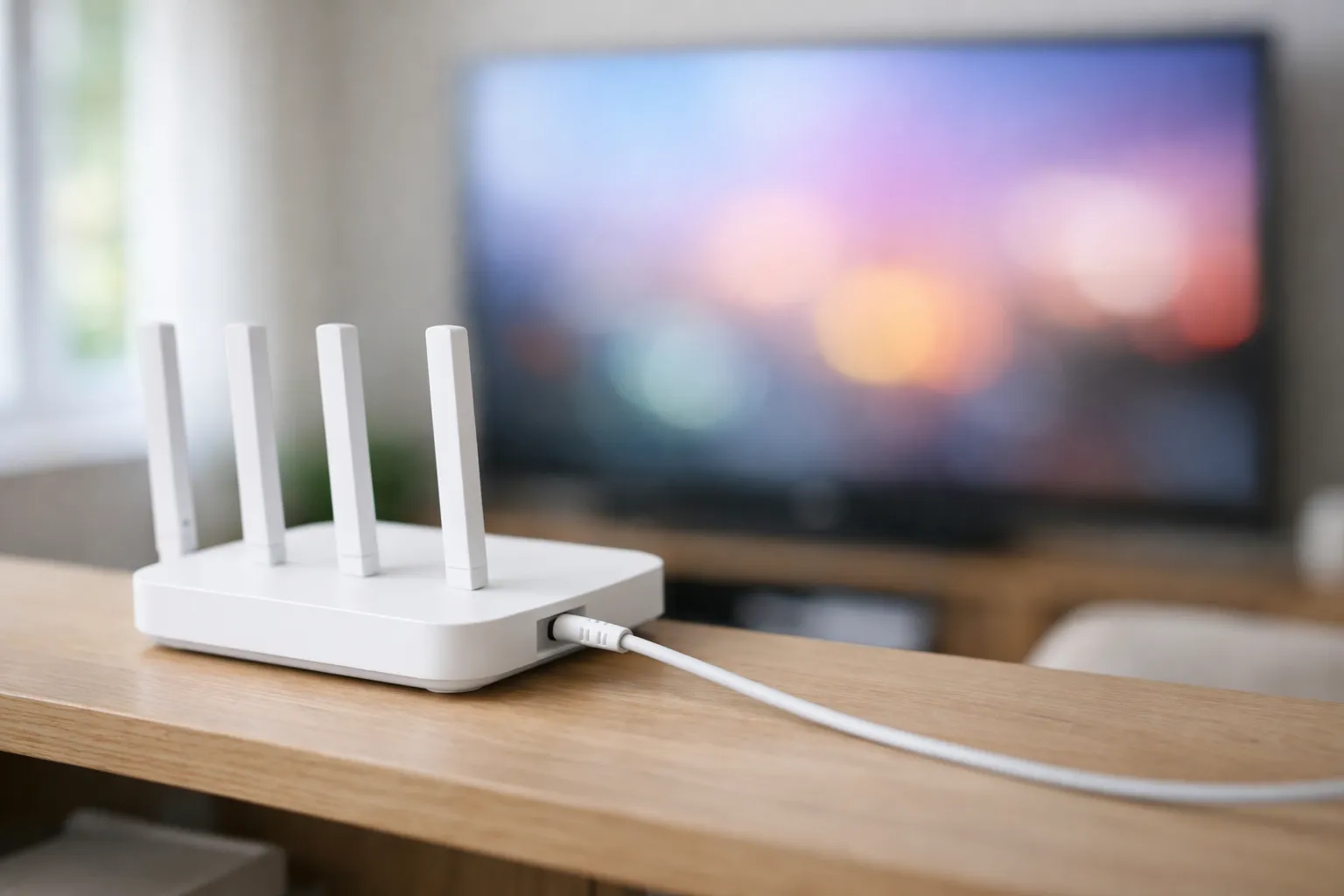
What is IPTV? It stands for Internet Protocol Television: live channels and on-demand video delivered over an internet connection instead of a cable line, satellite dish or antenna. It works by splitting a stream into small pieces that a player app on your device fetches and plays in order. To watch, you need a connection, a device, a player app and a login or account from a TV service. The technology itself is legal, while sellers differ.
We sell Vivimate, an IPTV subscription, so we have a stake in this topic. The technical parts below come from published standards we read on November 7, 2026, and they apply to any service. The section on subscriptions uses ours as the example, and we say so when we do.
What does IPTV mean?
The word gets used in two ways, which is why explanations of it often seem to disagree. The narrow meaning comes from the UN's telecoms standards body. ITU-T defined IPTV as “multimedia services, such as television, video, audio, text, graphics, and data, delivered over IP-based networks managed to provide the required level of quality of service (QoS), quality of end-user experience (QoE), security, interactivity and reliability.” The key word is managed: an operator runs the network as well as the TV service. A 2008 ITU paper kept that apart from internet TV, which travels over the public internet.
The everyday meaning is much looser. Most people now use IPTV for any live TV that arrives over an internet connection, including a login you add to an app. That's the sense this guide uses from here on.
How does IPTV work?
Cable and satellite traditionally send a whole lineup toward your box at once, and the box picks one channel out. Internet delivery usually works the other way round: your device asks for the channel you chose, and the server sends that.
- The feed comes in. A service takes in channels from their source, or reads films and shows from storage.
- An encoder shrinks it. A video codec, such as the one in the ITU's H.265 standard, makes the video small enough to send.
- The stream is cut into pieces. In HTTP Live Streaming, published as RFC 8216, video is split into short segments, and a text playlist lists them. Other methods exist, but this one has a public specification.
- Servers send it over the internet. The pieces travel through your provider to your router, like any other data.
- A player puts it back together. The app fetches each piece in turn, decodes it and shows it as one continuous picture.
Two everyday effects come from this design. RFC 8216 lets a player adapt the bit rate to current network conditions, so a busy connection can mean a softer picture. It also tells players not to start right at the live edge, which is one reason an internet stream can run a little behind a broadcast.
Three terms you'll meet during setup
- M3U. A plain text list of streams. The HLS playlist format is derived from it. A service can give you one as a single web address, and your app reads the channel list from that.
- Xtream. A login made of three details: a server URL, a username and a password. The app signs in and fetches channels, on-demand titles and the guide. Our guide to Xtream Codes setup shows where each one goes.
- EPG. The electronic program guide, which is the TV listings grid. Schedules usually travel separately from the video, so a stream can play while the guide stays blank. See how to fix a blank TV guide.
It also helps to separate the player from the service. TiviMate's Google Play listing calls it “a media player only” that “does not provide any content.” A player is empty until someone gives it a login.
What can you watch over IPTV?
- Live channels. News, sports and entertainment, as they air, with a guide to browse.
- On-demand video. A library of films and series that you start whenever you like.
- Catch-up. Recent programs you can go back and watch after they aired, on channels that support it.
Lineups differ a lot between services, so check that the things you watch are there before you pay anyone.
IPTV vs cable, satellite and streaming apps
Prices move too often to print here, so this compares how each one works. By a live TV streaming app, we mean a service such as YouTube TV, which shows its lineup on its own site and says you can cancel anytime.
| Question | Cable or satellite | Live TV streaming app | IPTV subscription and player |
|---|---|---|---|
| How it reaches you | A cable line or a dish | Your internet connection | Your internet connection |
| What you install | Usually the provider's box | The service's own app | A separate player app |
| Who is selling | A named company | A named company | Varies, so ask |
| Channel lineup | Published by the provider | Published by the service | Varies, so ask |
| Commitment | Varies by provider | Often month to month | Often prepaid terms |
How to get IPTV: what you need
- A connection. We suggest 10 Mbps for HD, 20 Mbps for Full HD and 30 Mbps for 4K. Wired is steadier than Wi-Fi if your device has a port.
- A device. A smart TV, streaming stick, phone, tablet, computer or set-top box. You don't need special hardware.
- A player app. On Android TV and Fire OS devices, TiviMate is one option. On Apple TV and iPhone, UHF and IPTVX take an Xtream login. On a 2022 or later Samsung, there's Smart IPTV. On Roku, use a store app or screen mirroring.
- A login or account. This comes from whoever sells you the service, and it's the part that holds the channels.
More detail is in how much internet speed IPTV needs and the setup guide for every device. There are two usual ways to buy: an all-in-one streaming app from a named company, or a subscription whose login goes into a player app.
How an IPTV subscription works
This is how ours runs. Other sellers differ, so ask about each step.
- You ask for a trial. With us, that's a WhatsApp message for a free 24-hour trial, with no card taken.
- A login arrives. We send a server URL, username and password in that chat, usually within minutes.
- You add it to a player. Type or paste the three details, and the channels and guide load.
- You choose a plan. Pay by Visa, Mastercard, Google Pay or Apple Pay for a term, and pick 1 to 4 devices at once.
- The term ends. There's no contract and no auto-renewal. Access stops unless you buy another term.
Vivimate has 55,000+ live channels, 180,000+ on-demand titles, streams up to 4K UHD and 7-day catch-up on channels that support it. A person replies on WhatsApp 24/7. Plans cost $19.99 for 1 month, $29.99 for 3 months, $39.99 for 6 months or $69.99 for 12 months plus 2 free, prepaid for one device. See Vivimate plans and prices for more.
The first purchase has a 7-day money-back guarantee when a service problem you report can't be fixed. Device, app setup and slow internet are excluded, as the refund policy explains. You can test your own device first on the free IPTV trial.
Is IPTV legal?
IPTV as a technology is legal. It describes how video travels, and established US services deliver TV over the internet every day. Whether a particular seller is lawful depends on the rights it holds to what it streams. We don't publish the rights agreements behind our channels. For the statutes, the cases and how to check a seller, read what US law says about IPTV.
Frequently asked questions
What does IPTV stand for?
Internet Protocol Television. Internet Protocol is the addressing system that moves data around the internet and home networks, so the name simply means TV carried the way other internet data is carried.
Is IPTV the same as Netflix?
Not quite. Netflix is mostly an on-demand library from one company, with its own app. People who say IPTV usually mean live channels in a guide, sometimes with an on-demand library alongside, often played through a separate app.
Do I need a smart TV for IPTV?
No. Any TV with an HDMI port can take a streaming stick or box, and a player app runs on that. A smart TV can skip the extra device if a suitable app is in its store.
Do I need cable or satellite to use IPTV?
No cable TV package and no dish. You do need an internet connection, and it doesn't matter which company provides it, as long as it's fast and steady enough for what you watch.
What happens to IPTV if my internet goes down?
The stream stops. It uses your internet connection, and there's no backup signal arriving at your house. A slow connection can lower the picture quality or make the stream pause while the player catches up.
How many devices can watch IPTV at once?
That depends on the service. Many limit how many devices play at the same time, whatever the number you've installed it on. Vivimate plans cover 1 to 4 devices at once.
Stream Everything with Vivimate
55,000+ live channels · Up to 4K UHD · No contract · From $19.99/month