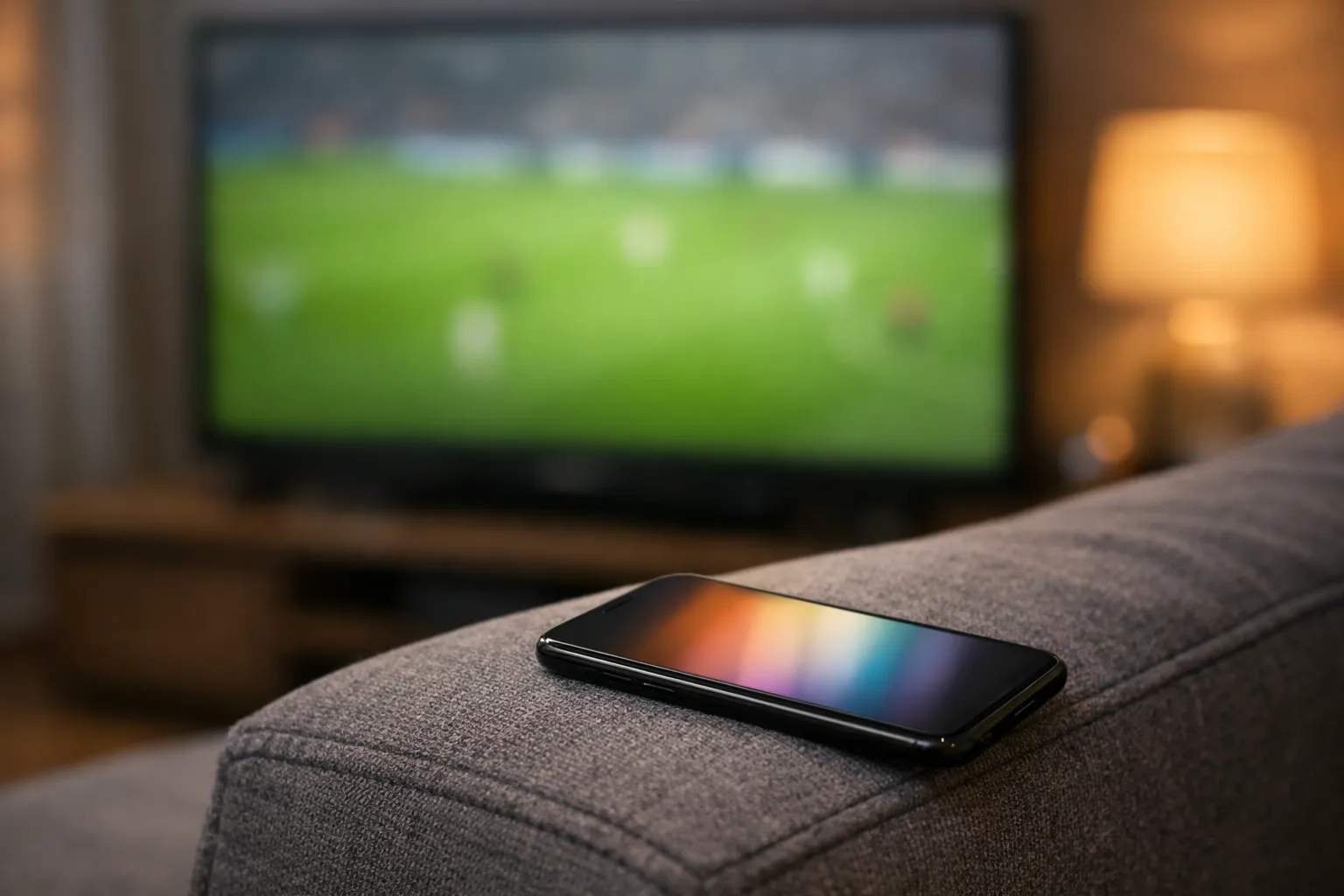
A Premier League second screen is a phone, tablet or laptop you use beside the TV during a match, for live stats, line-ups, Fantasy Premier League or a second game. The league's free app covers stats, alerts and Fantasy, but it doesn't stream matches. A second game on a tablet counts as a second stream, so check your plan allows two. Turn off goal alerts, because they can arrive before your stream shows the goal.
We sell Vivimate, an IPTV subscription, but a second screen works the same with any service. The app details below come from the Premier League's own App Store listing and website, read on November 8, 2026. We haven't measured stream delays, so this page gives no delay figures.
What a second screen is for
The TV shows the match. The second screen does one of three jobs: it fills in what the broadcast doesn't show (stats, the live table, other scores), it runs your Fantasy team, or it plays a different game. The first two use a stats app and almost no data. The third is a second video stream, with the bandwidth and plan limits that come with it.
The Premier League app as a second screen
The league's app is listed on the US App Store as “Premier League - Scores, News”, sold by The Football Association Premier League Ltd. It's free with in-app purchases and needs iOS 17 or later on iPhone and iPadOS 17 or later on iPad; the listing showed version 5.8.1. An app with the same name is on Google Play for Android. Here is what the App Store listing says it does, and how each feature behaves when you're also watching live.
| Feature | What the listing says | While you watch |
|---|---|---|
| Matchday Live | Live scores, in-match stats and live table updates | Can run ahead of your stream |
| Smart alerts | Line-ups, goals and major updates | Turn goal alerts off |
| Fantasy Premier League | Manage your squad from the app | Points update live |
| Radio | Live match commentary and analysis | Usually ahead of a TV stream |
What it doesn't do is show the match: the listing says it links to broadcasters' streams where they're available. The Premier League's app page adds that team line-ups appear 75 minutes before kick-off, which is when most second-screen viewers first open it.
Phone, tablet or laptop: which to use
Any of them works, and the right one depends on the job. A phone is enough for stats, line-ups and Fantasy: it sits on the sofa arm and you glance at it. A tablet is the natural choice for a second match, because the screen is big enough to follow play and it props up beside the TV. A laptop suits people who want a second match and a stats page side by side, or who follow several scores in browser tabs.
Two practical points. Keep the second device charged or plugged in, since video drains a battery over 90 minutes plus stoppage time. And put it below or beside the TV, not in your lap, so your eyes move between screens without losing the play.
Watching a second match at the same time
When two games kick off together, a second screen lets you follow both. You need access to both matches where you live, which depends on who holds the rights; our guide to what channel the Premier League is on covers that by country. Then you need two things at home.
- Two streams on your plan. Each device playing video counts as one stream, so the TV is one and the tablet is a second. A phone running a stats app counts as 0. If your plan allows one stream, the second device is refused or another drops. Our page on how simultaneous streams are counted explains the errors you'd see.
- Enough bandwidth. We suggest 20 Mbps for each Full HD stream and 30 Mbps for each 4K stream.
So a 4K TV plus a Full HD tablet needs about 50 Mbps, and two 4K streams about 60 Mbps. A tablet screen rarely benefits from 4K, so the second match is the easy place to save bandwidth. Our IPTV speed guide shows how to test your connection at the time you watch.
The spoiler gap
Live streams usually run a little behind the action on the pitch. Alerts and live-stat apps can update sooner, which is how a phone buzzes with a goal before your TV shows it. The size of the gap varies with the service, the app and your connection, and we haven't measured it. If seeing goals first on the TV matters to you:
- Turn off goal alerts in the Premier League app and in any score, news or betting apps.
- Use the stats screen for things the broadcast doesn't spoil, such as possession or the live table, and glance at it at half-time.
- Mute group chats during the match, since friends watching another service may be ahead of you.
Casting versus a separate app
Casting or mirroring the match from your phone to the TV ties up the phone, and some apps pause the cast when you switch away. For a two-screen setup, run the match in an app installed on the TV or streaming box and keep the phone free. Our guide to watching the Premier League on any device covers which devices take which apps.
Setting up a two-screen match day
- Pick the TV app first. Run the match on an app installed on the TV or streaming box, not cast from a phone, so the phone stays free.
- Install the stats app on the phone. Sign in before kick-off, choose your club and set notifications the way you want them.
- Decide on alerts. If you're watching live, switch off goal alerts in the Premier League app and any news or score apps.
- Add a second match if you want one. Open it on a tablet or laptop on the same subscription, and check your plan covers two streams.
- Give the TV the strongest connection. Ethernet to the main TV if you can, with the tablet on Wi-Fi.
Hosting friends? The Premier League watch party guide covers kick-off times in US time zones, sound and seating.
A second screen with Vivimate
Vivimate logins work in apps on TVs, streaming sticks, tablets and phones, and plans cover 1 to 4 devices at once. Plans cost $19.99 for 1 month, $29.99 for 3 months, $39.99 for 6 months or $69.99 for 12 months plus 2 free for one device, so a TV plus a tablet at the same time needs a plan for two; see Vivimate plans and prices. Where a channel supports it, 7-day catch-up lets you watch a program after it airs.
We don't promise any league, match or channel, and we don't publish the rights agreements behind our lineup. Search the guide for the channels you want during the free 24-hour IPTV trial, and try both screens at once while you're at it. Your first plan has a 7-day money-back guarantee if a service problem you report can't be fixed; see the refund policy.
What we read
- Premier League: App Store listing and app page. Read November 8, 2026.
- Couldn't read or confirm: the Google Play listing's details (only its title loaded), and any broadcaster's multiview feature for this season.
Frequently asked questions
What is a second screen for football?
A phone, tablet or laptop you use beside the TV during a match. Most people use it for live stats, line-ups, Fantasy Premier League or a group chat, and some use it to follow a second game at the same time.
Does the Premier League app show live matches?
No. Its App Store listing, read on November 8, 2026, offers live scores, in-match stats, alerts, Fantasy, radio commentary and highlights, and links to broadcasters' own streams where they're available. The match itself comes from whichever service holds the rights where you are.
Can I watch two Premier League games at once?
If two matches are on at the same time and you have access to both, yes: put one on the TV and one on a tablet or laptop. That's two streams, so your subscription must allow two at once, and your internet must carry both.
Why does my phone show a goal before my TV?
Live streams usually run a little behind the action, while score alerts and live-stat apps can update sooner. We haven't measured the gap on any service. Turn off goal alerts if you want to see goals first on the TV.
Does a stats app on my phone use one of my streams?
No. A stats or Fantasy app isn't playing video from your TV service, so it doesn't count. Only devices actively playing a channel, film or catch-up program count toward your stream limit.
Stream Everything with Vivimate
55,000+ live channels · Up to 4K UHD · No contract · From $19.99/month